All-in-One
AI Photo App
AI Photo App uses cutting-edge AI to unblur, restore, and enhance any picture you upload. One click turns old or low-quality photos into sharp HD images — free, in your browser, with no account and nothing to install.
Try FreeNo sign-up · No credits · Your photo is enhanced and discarded
- 2.4M+ photos enhanced
- Under 15s average
- 100% free, no account
Sample Photos
ShowcaseNew
See what the tool can do
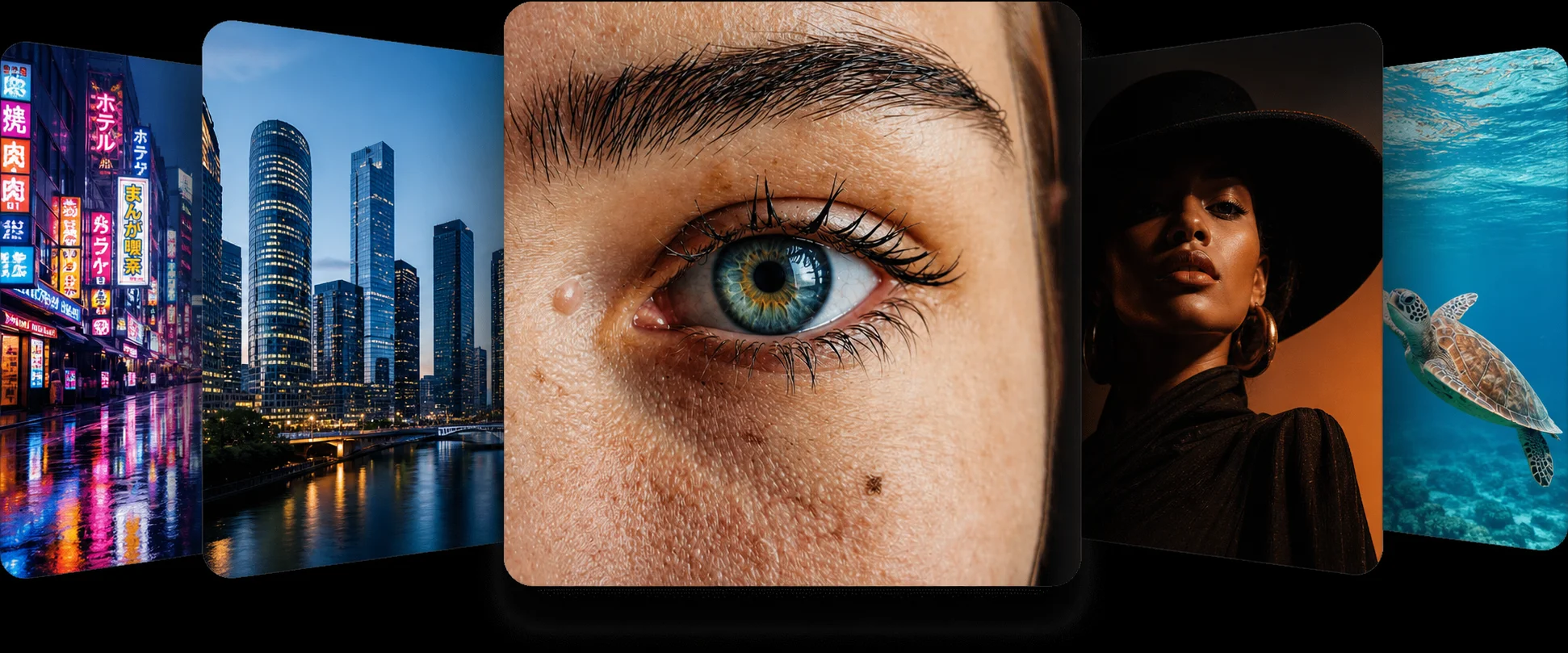
Real uploads, real results — browse before-and-after pairs from every tool in the app, enhancing everything from blurry phone shots to 60-year-old prints.
See the results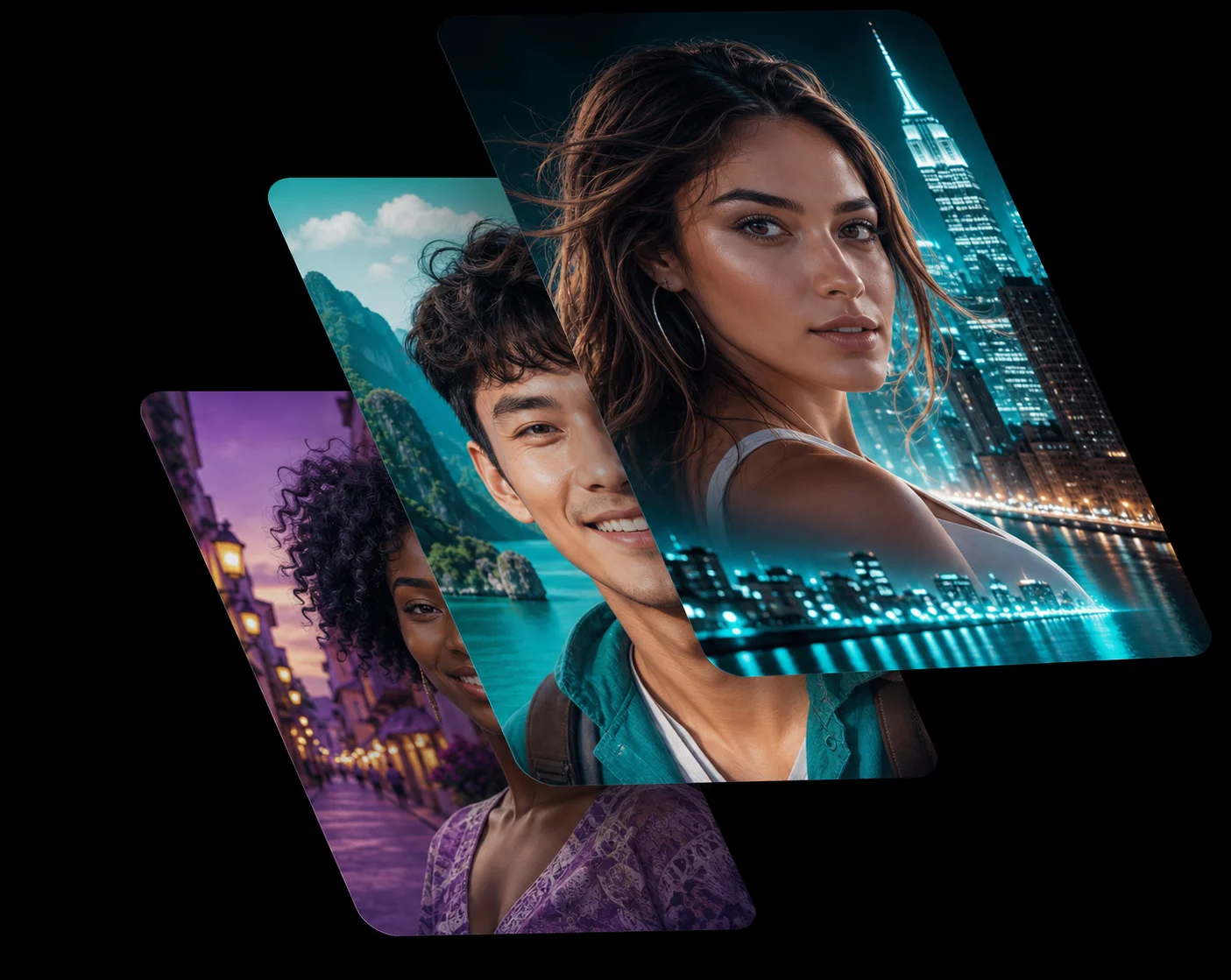 AI Enhanced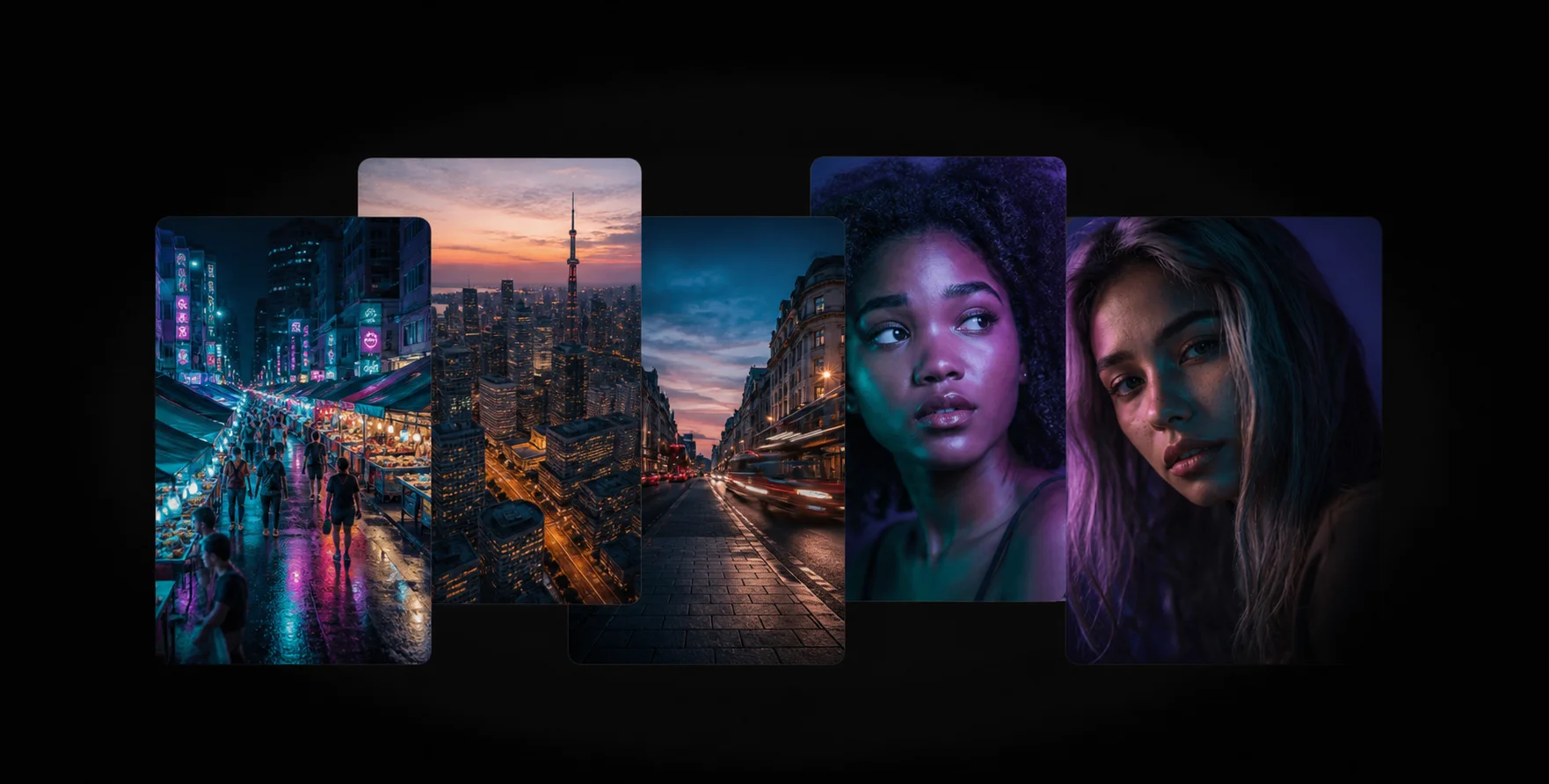
An all-in-one AI photo app for every use case
Our state-of-the-art AI enhances any image or visual to a higher-quality version — portraits, products, prints and posts.
Social Media
Elevate your posts with enhanced, high-quality visuals that stop the scroll and hold attention.
Community
Enhance member shots and event pictures into crisp images your community actually shares.
Printed Images
Rescue low-resolution files, enhancing them so large-format prints stay sharp instead of soft and pixelated.
E-commerce
Lift the quality of product images with enhanced details so listings look trustworthy and convert better.
Learning Content
Build lesson material with clear, enhanced images that hold a student's attention.
Magazine Pictures
Produce crisp, enhanced photographs that make articles and spreads stand out.
Works Everywhere
Instant Enhancement Anywhere
The AI photo app runs right in your browser on phone, tablet and desktop — enhancing your photos on the fly, anytime and anywhere, with nothing to install and no account to create.
Try Free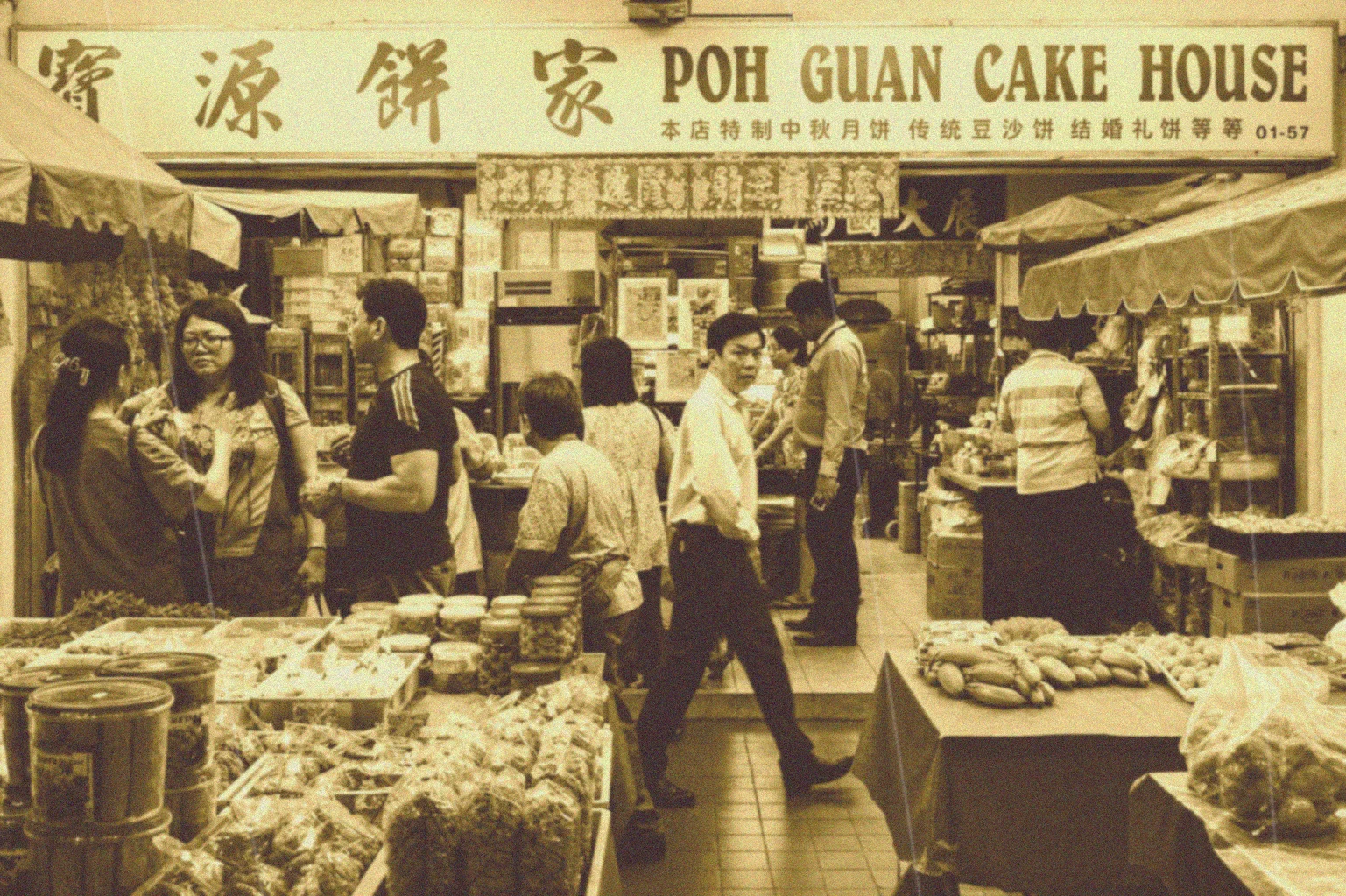
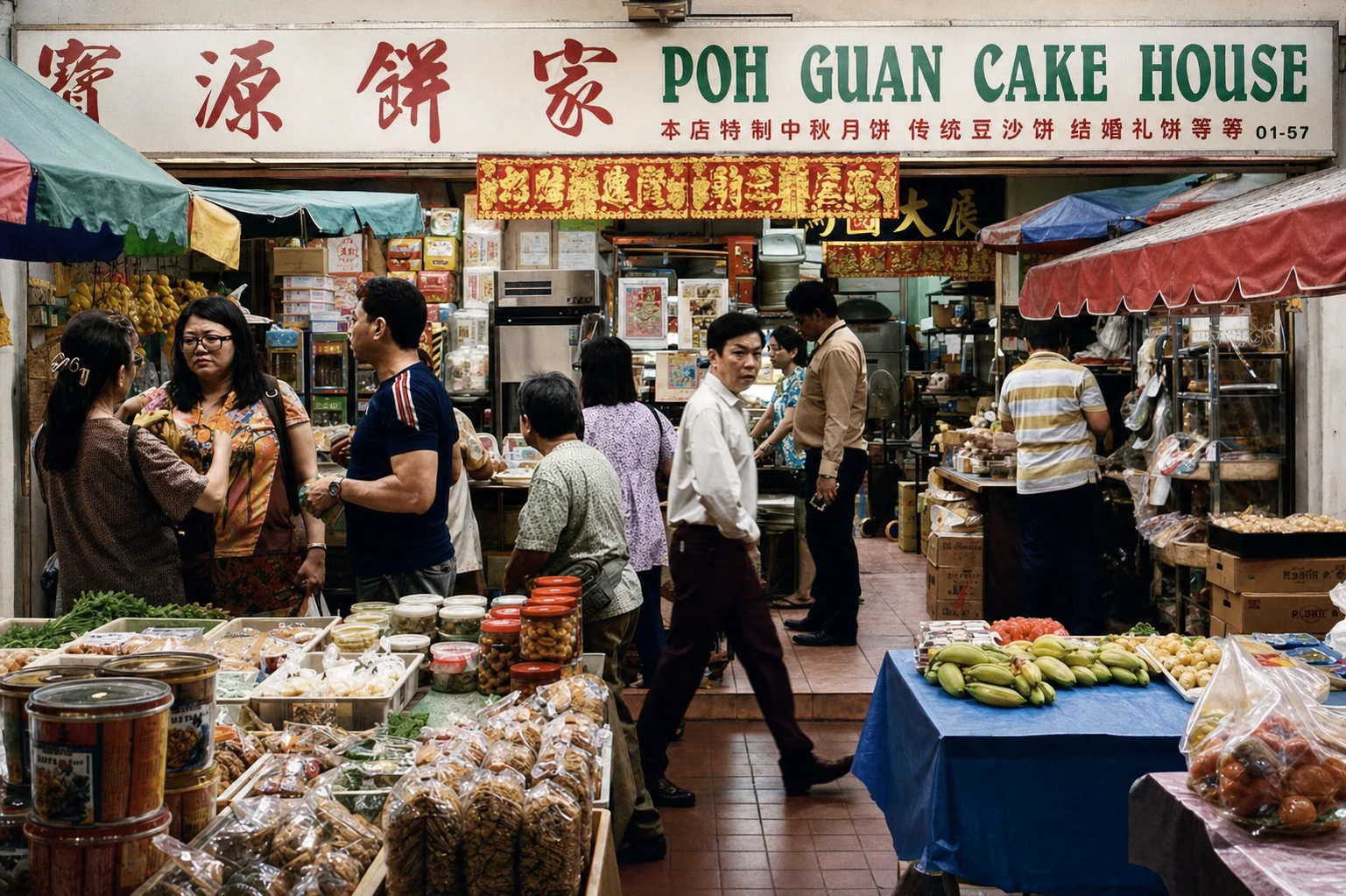
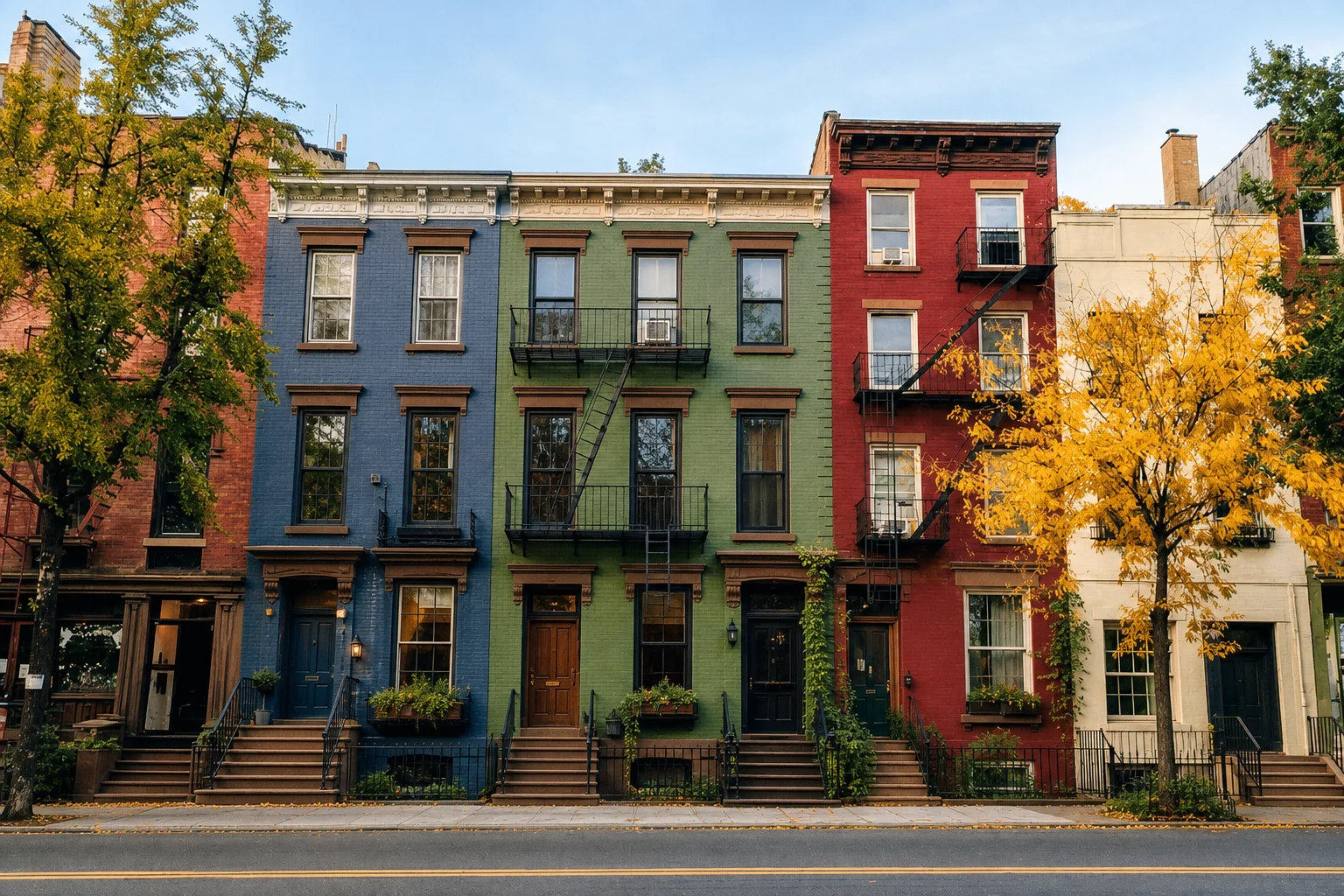
Say goodbye to blurry photos and hello to clarity.
This free AI photo enhancer instantly restores detail, color and clarity. Experience a level of sharpness and definition beyond what your camera captured.
Enlarge Images
Enlarge photos up to 4x, enhancing real detail without softening a single edge — every pixel keeps its integrity.
Restore Old Photos
Revive blurred, faded and damaged photos, enhancing them to bring back clarity and true color.
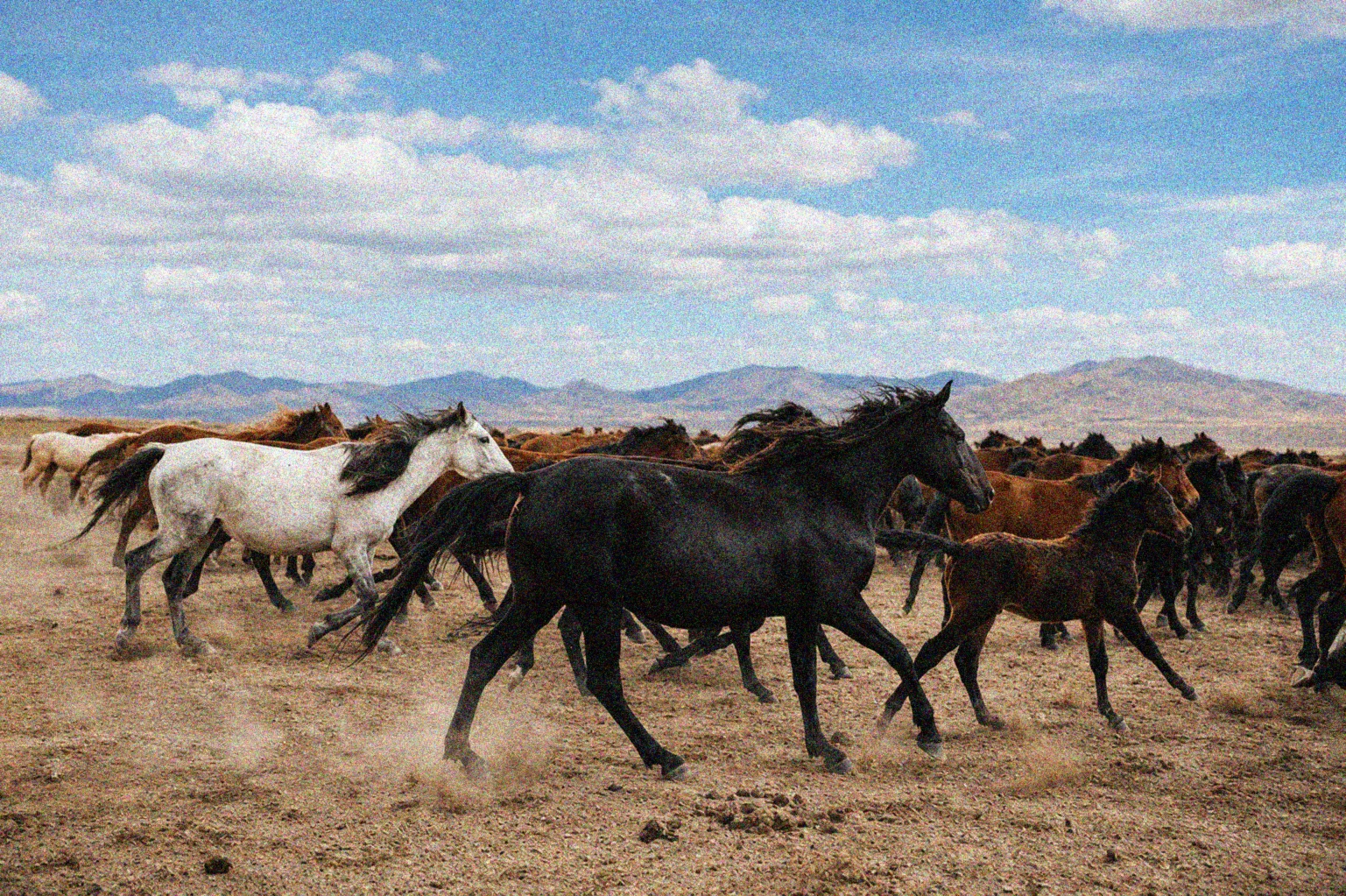
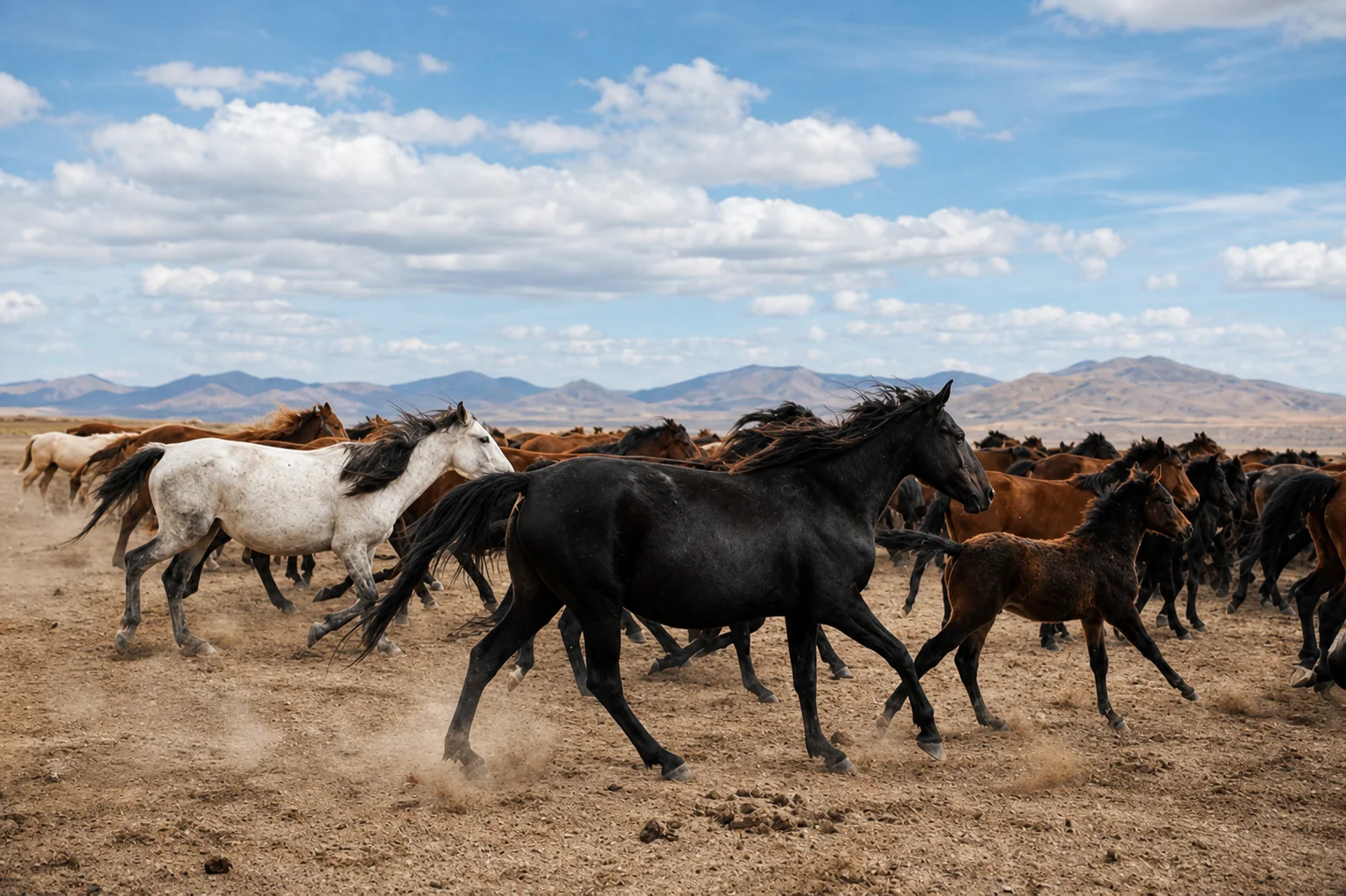
Make Images Clear
Strip out grain and noise, enhancing the image until it captures the moment properly.
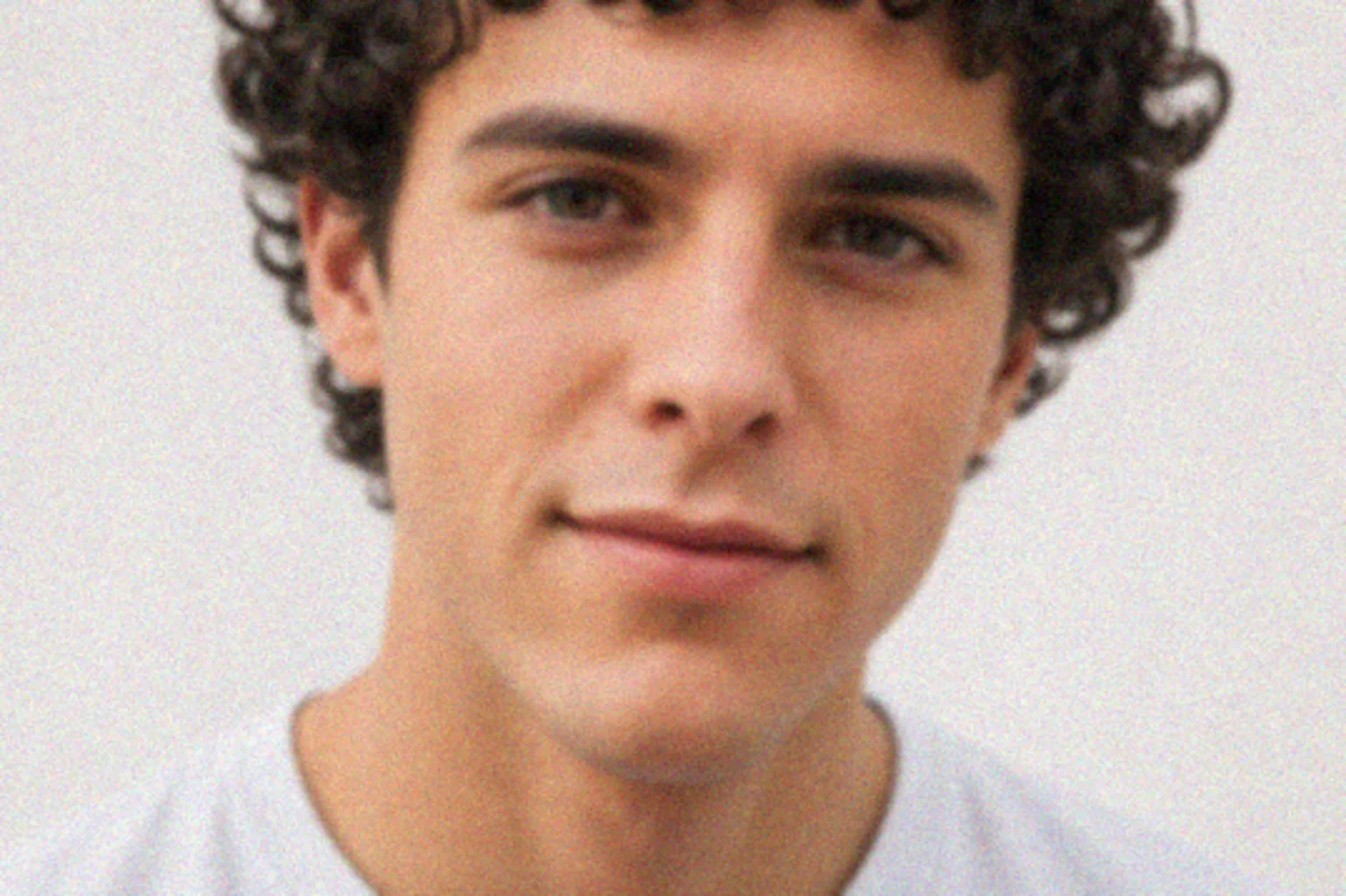
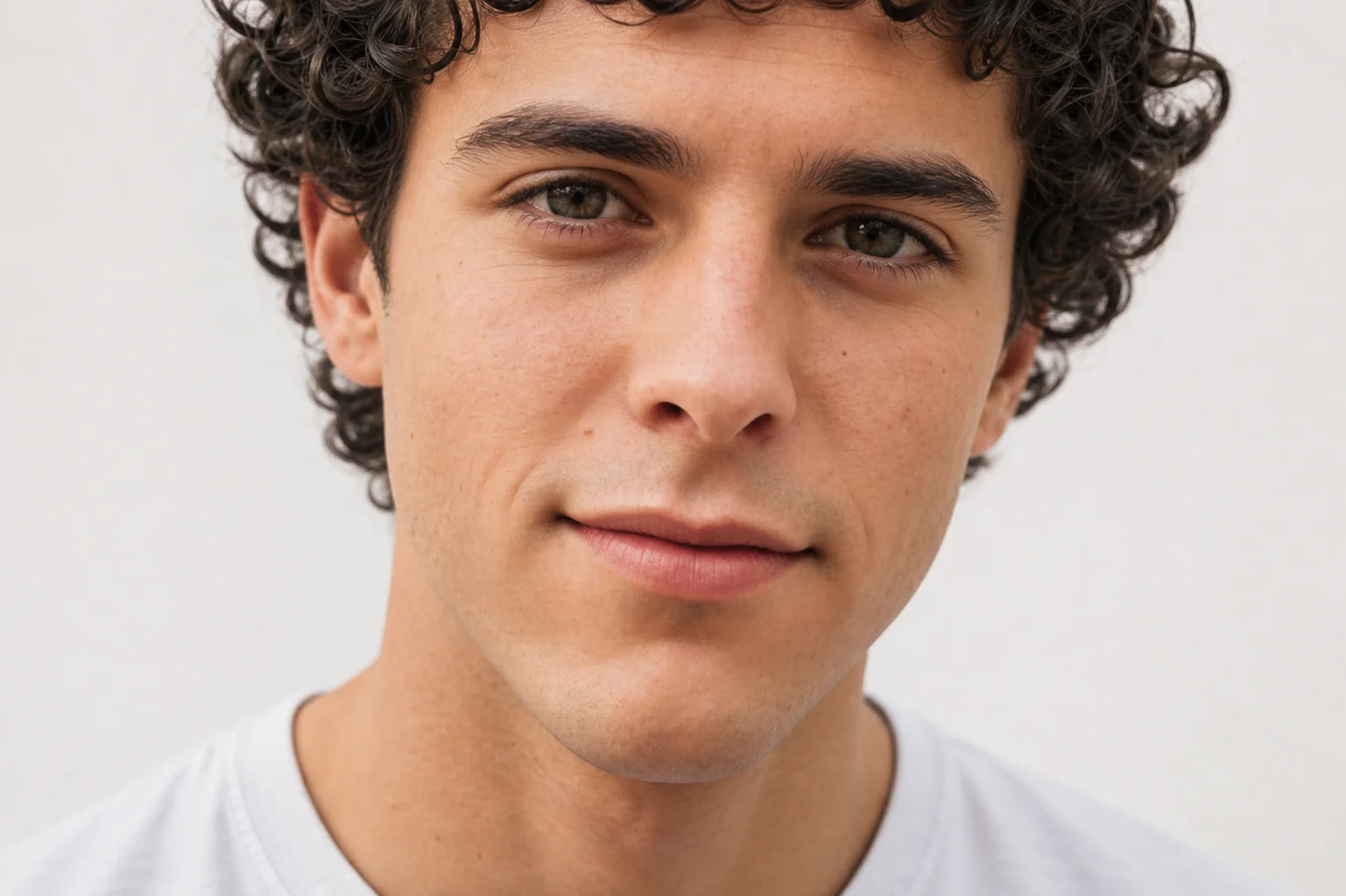
Enhance Your Face
Enhance natural facial detail in portraits without the plastic, over-smoothed look.
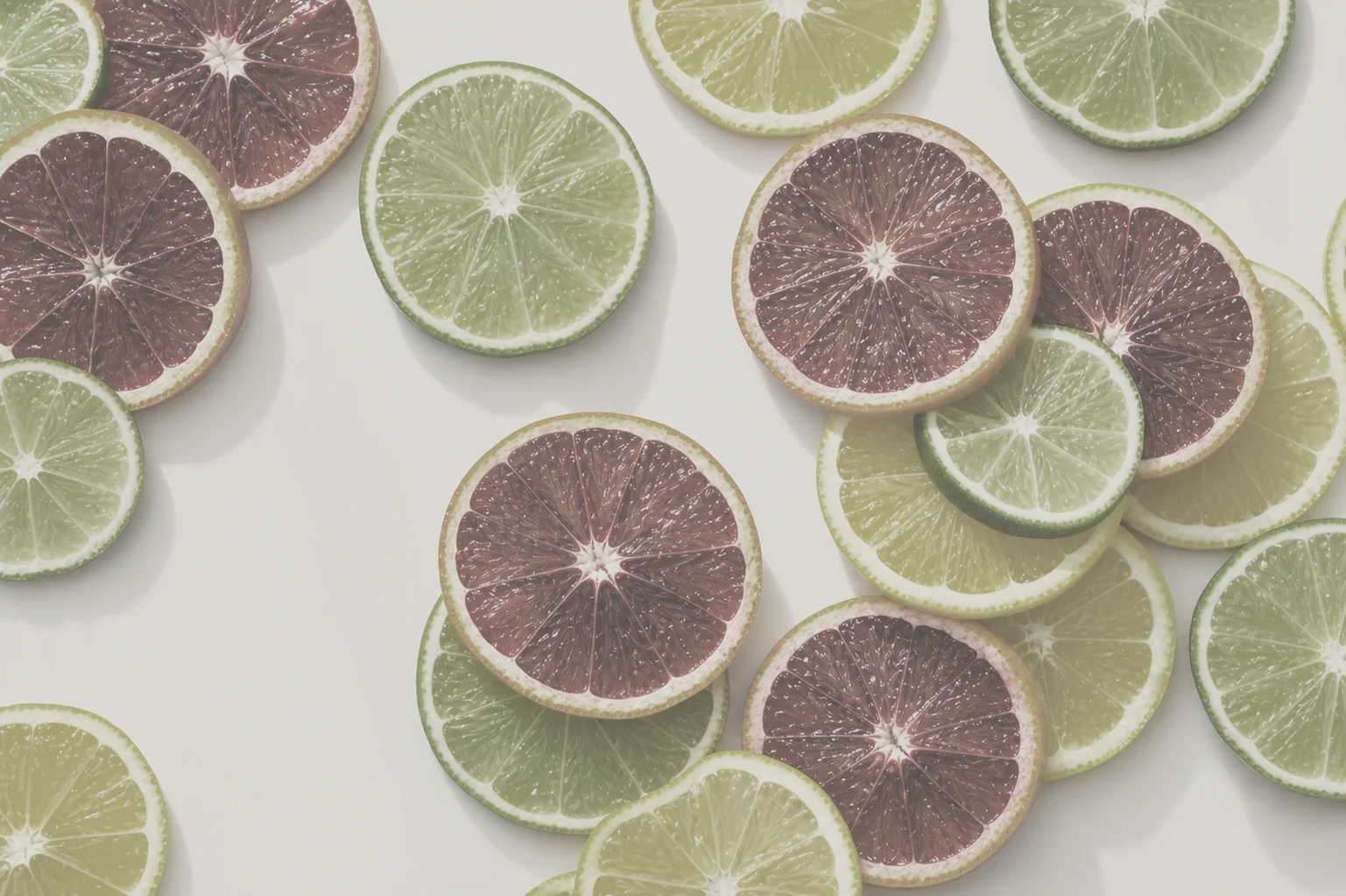
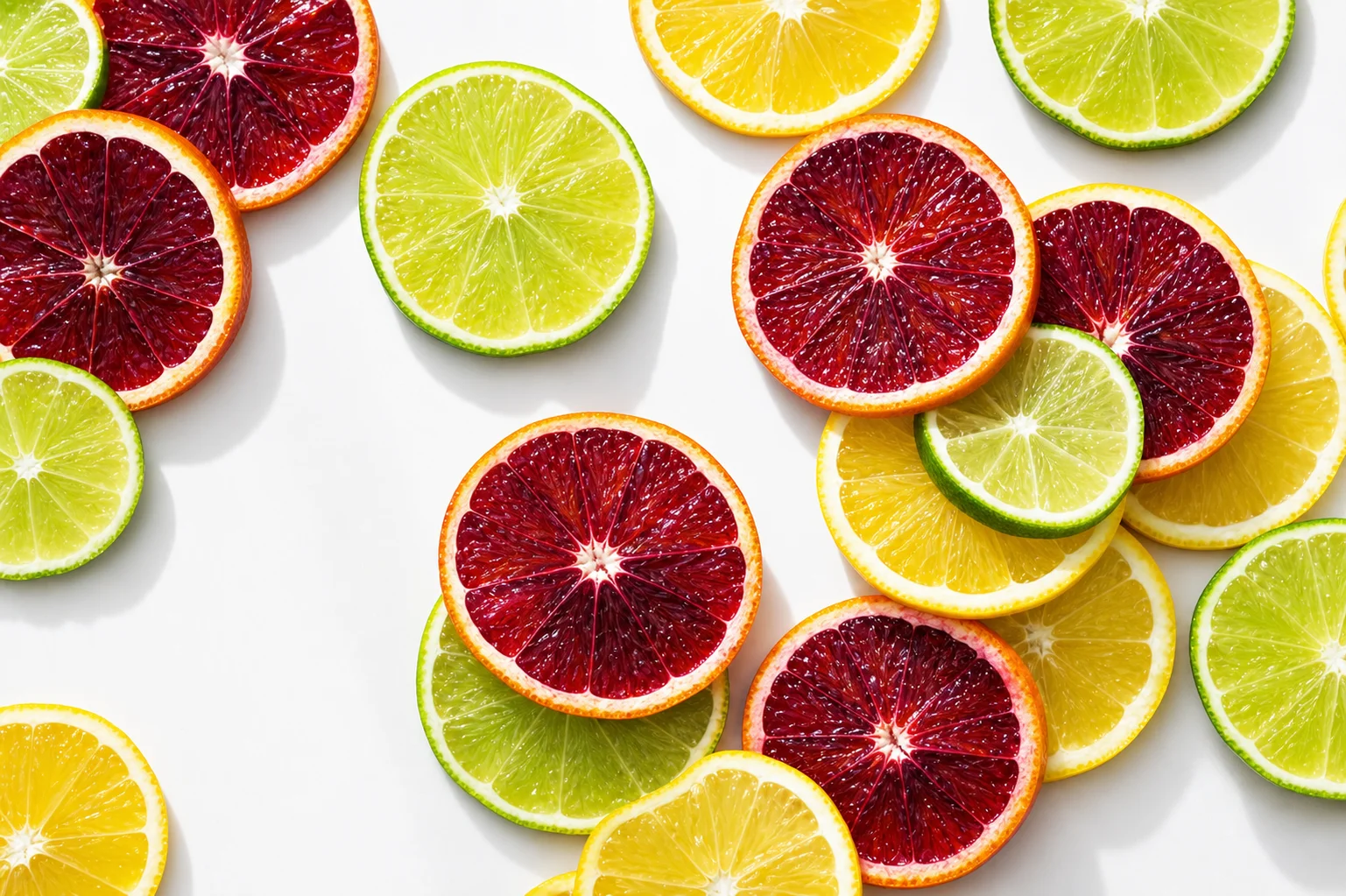
Fix Your Colors
Rebalance faded tones and unlock the full color range hiding in your photo.

Enhance Low Quality
Give low-quality screenshots and compressed images a full HD makeover in one pass.
Also: Unblur & Sharpen · Background Enhancer · All tools
Loved by Photo Fixers Everywhere
People all over the world use the app for their visual content. Why? It's quick, it's free, and it consistently produces an enhanced, "wow, that's incredible" result every time.
Frequently Asked Questions
An AI photo app uses trained image models to repair and improve a photo automatically, instead of making you push sliders by hand. Upload a picture and the tool analyses it, decides what is wrong — blur, noise, low resolution, faded color, soft faces — and rebuilds the missing detail. AI Photo App runs entirely in your browser, so there is nothing to install.
Yes. It is completely free, with no account, no credits, no subscription and no trial that expires. You do not enter a card, you do not sign in, and there is no paid tier hidden behind the enhance button. Upload a photo, enhance it, download the result.
No. This free AI photo enhancer is a web app — it works in Chrome, Safari, Firefox and Edge on phone, tablet and desktop. There is no App Store or Google Play install, no sign-up form, and no email required. Open the page and the tool is already there.
Blurry phone shots, grainy low-light pictures, compressed screenshots, small low-resolution images, scanned prints, faded or yellowed old photos, and soft portraits. Each problem has a dedicated tool page — unblur and sharpen, denoiser, image enlarger, old photo restorer, color fixer, face enhancer, background enhancer and low-quality enhancer — and the homepage tool enhances all of them in one pass.
Most finish enhancing in about ten to twenty seconds. The upload is instant, a quick verification step blocks bots, and then the AI model does the actual enhancement while a progress bar runs. When it is done you get a before-and-after slider so you can check the result before downloading.
Both, but the emphasis is on enhancement. A traditional AI photo editor asks you to choose the edit; the AI photo app looks at the image, enhancing it and applying the right restoration itself — sharpening, denoising, upscaling and color correction — so you get a better version of the same photo rather than a different photo.
Try the AI Photo App
People across the planet use the app to enhance their visual content. It's fast, it's free, and it delivers an enhanced, "wow, that's amazing" result with every single upload — no download, no account, no credits.
Try FreeAI Photo App is an independent, free browser tool for enhancing your own photos. It is not affiliated with any app store, camera maker or photo editing suite.