Low Quality Enhancer
Turn Low-Quality Photos into HD
The low quality photo enhancer rebuilds detail in compressed, pixelated and re-saved pictures. Improve photo quality online free in this ai photo app.
Try FreeNo sign-up · No credits · Your photo is enhanced and discarded
Sample Photos


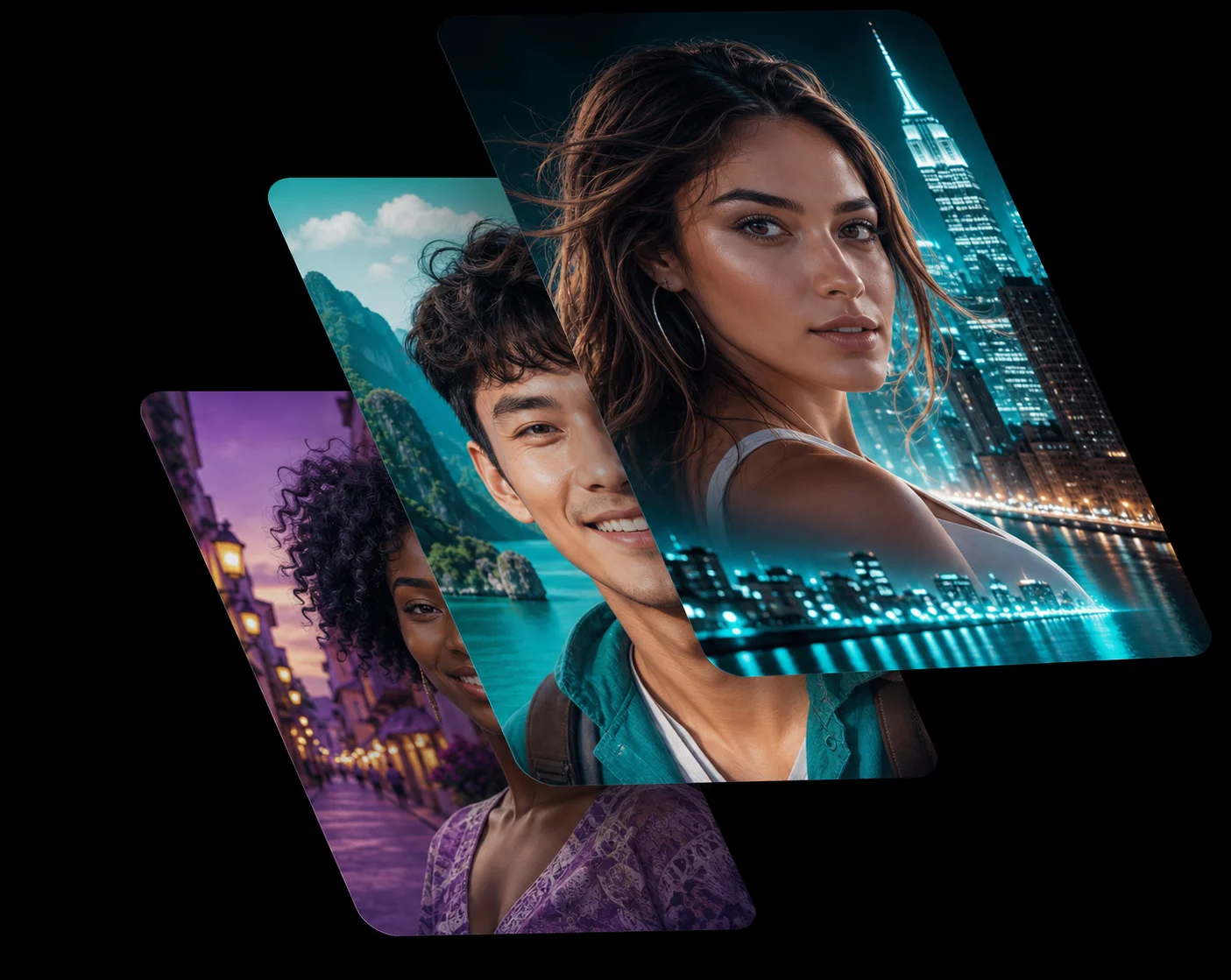
A Low Quality Photo Enhancer for Compressed Files
Every time a picture is messaged, re-uploaded or screenshotted it loses information, and blocking creeps in around edges and skin. The low quality photo enhancer in this ai photo app removes those compression artefacts first, then rebuilds the detail underneath them.
Screenshots, chat downloads and decade-old social uploads all respond well.
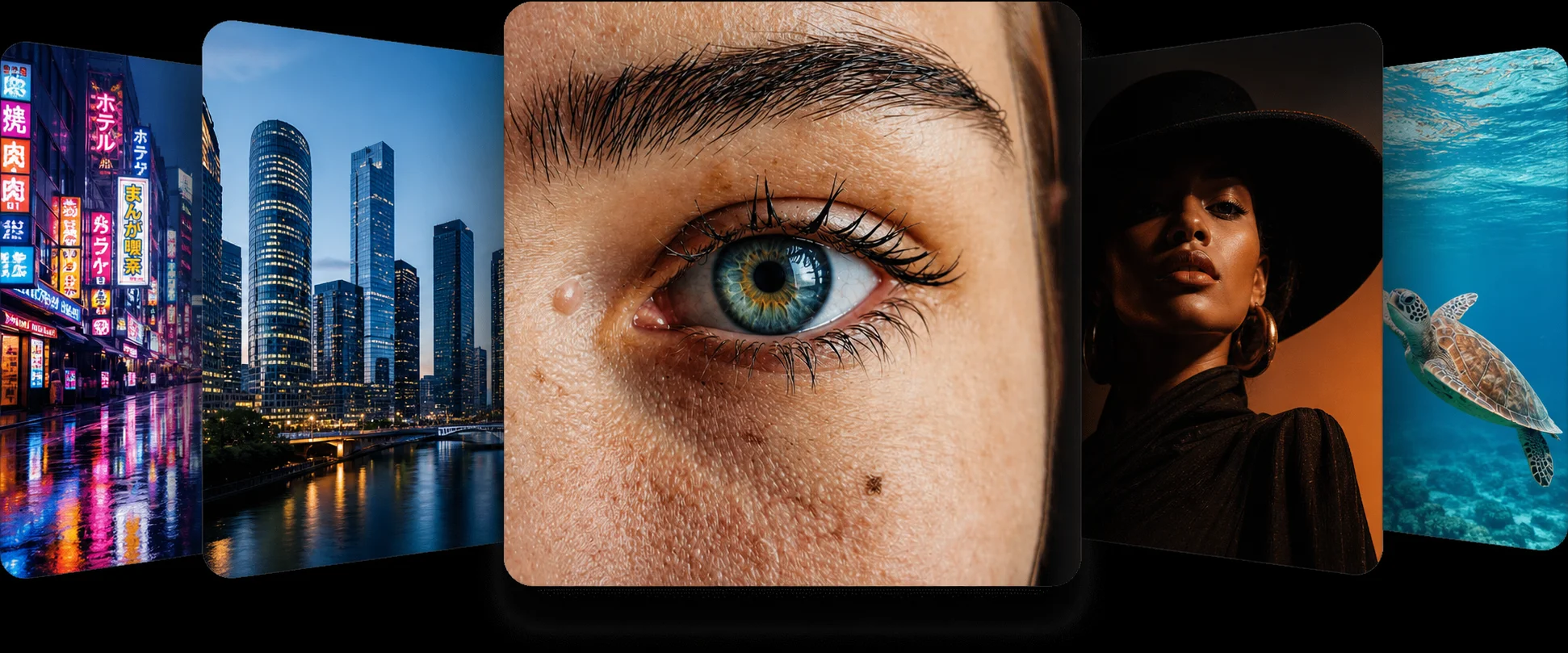
A Pixelated Image Fixer That Rebuilds Edges
A pixelated image fixer has to invent the pixels that were thrown away, and doing that convincingly is exactly what a trained model is for. The ai photo enhancer recognises what the blocky shapes were meant to be — text, a face, a roofline — and redraws them cleanly.
The result is a photo you can post or print rather than one you apologise for.
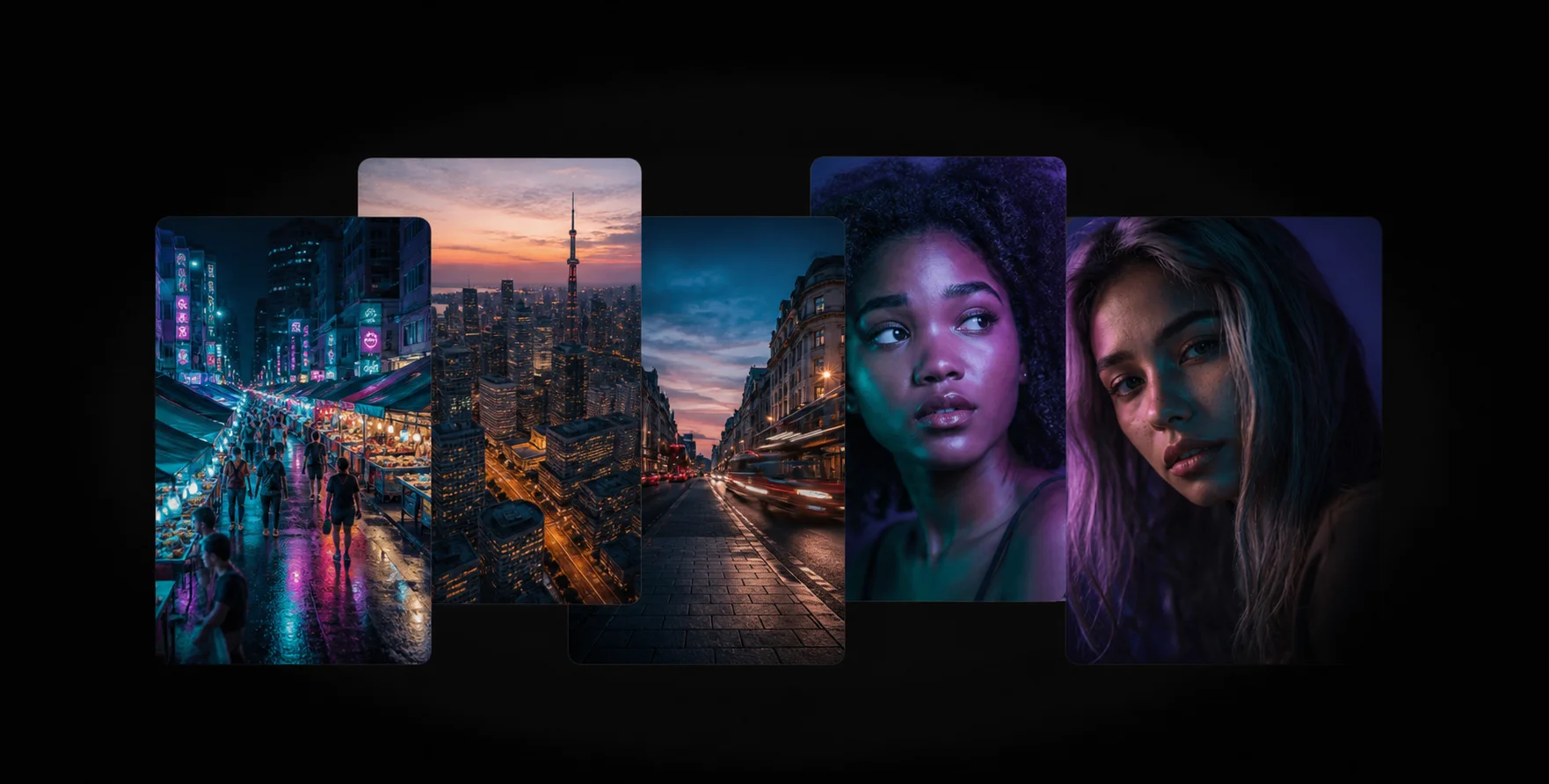
Improve Photo Quality Online, Free
You do not need a paid plan to improve photo quality online. This ai photo app runs in the browser, takes about fifteen seconds per picture and hands back a full-resolution download with no watermark.
If the file is also small, follow with the image enlarger for a bigger, cleaner result.
How the Low Quality Enhancer Works
1
Upload the Low-Quality File
Drop your compressed, blocky or pixelated picture into the low quality photo enhancer above.
2
AI HD Rebuild
The ai photo app clears the artefacts and reconstructs real detail in seconds.
3
Download in HD
Compare on the slider and download the improved photo free.
Frequently Asked Questions
Anything heavily compressed, pixelated, re-saved many times or screenshotted. The low quality photo enhancer is built for exactly these files.
Usually. Larger lettering rebuilds cleanly, while very small text may be reconstructed plausibly rather than exactly.
Yes. No account, no watermark and no install — just upload.
JPG, PNG and WebP files up to 10 MB, on phone or desktop.
Run this tool first, then the image enlarger, so the enlarger works from a clean source.
Related AI Photo Tools
The Low Quality Enhancer is one of eight free ai photo tools in the app — these three work well alongside it.
Image Enlarger
Upscale images up to 4x without losing quality. The AI rebuilds lost details cleanly.
Denoiser
Remove grain and noise from low-light photos while keeping the edges sharp and natural.
Unblur & Sharpen
Unblur photo ai technology brings soft, shaky, and out-of-focus photos back to life instantly.
Browse every tool in the AI Photo AppSee more before and after resultsEnhance any photo on the AI Photo App home page

Loved by Photo Fixers Everywhere
People all over the world use the app for their visual content. Why? It's quick, it's free, and it consistently produces an enhanced, "wow, that's incredible" result every time.
Try the AI Photo App
People across the planet use the app to enhance their visual content. It's fast, it's free, and it delivers an enhanced, "wow, that's amazing" result with every single upload — no download, no account, no credits.
Try FreeAI Photo App is an independent, free browser tool for enhancing your own photos. It is not affiliated with any app store, camera maker or photo editing suite.