Denoiser
Remove Grain and Noise from Any Photo
The ai photo denoiser strips grain, speckle and high-ISO noise from any picture while keeping edges sharp. Denoise image online free in this ai photo app.
Try FreeNo sign-up · No credits · Your photo is enhanced and discarded
Sample Photos
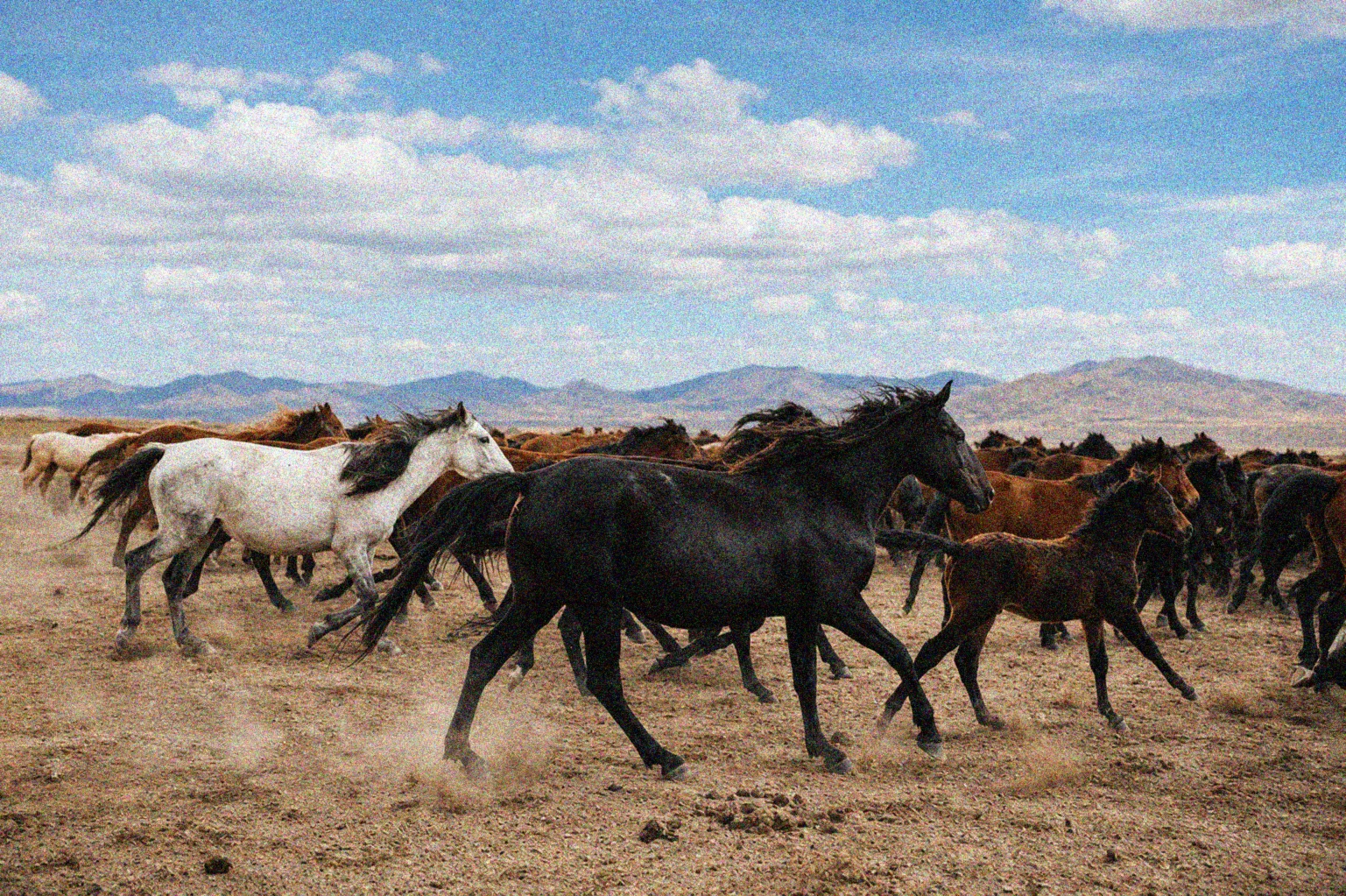
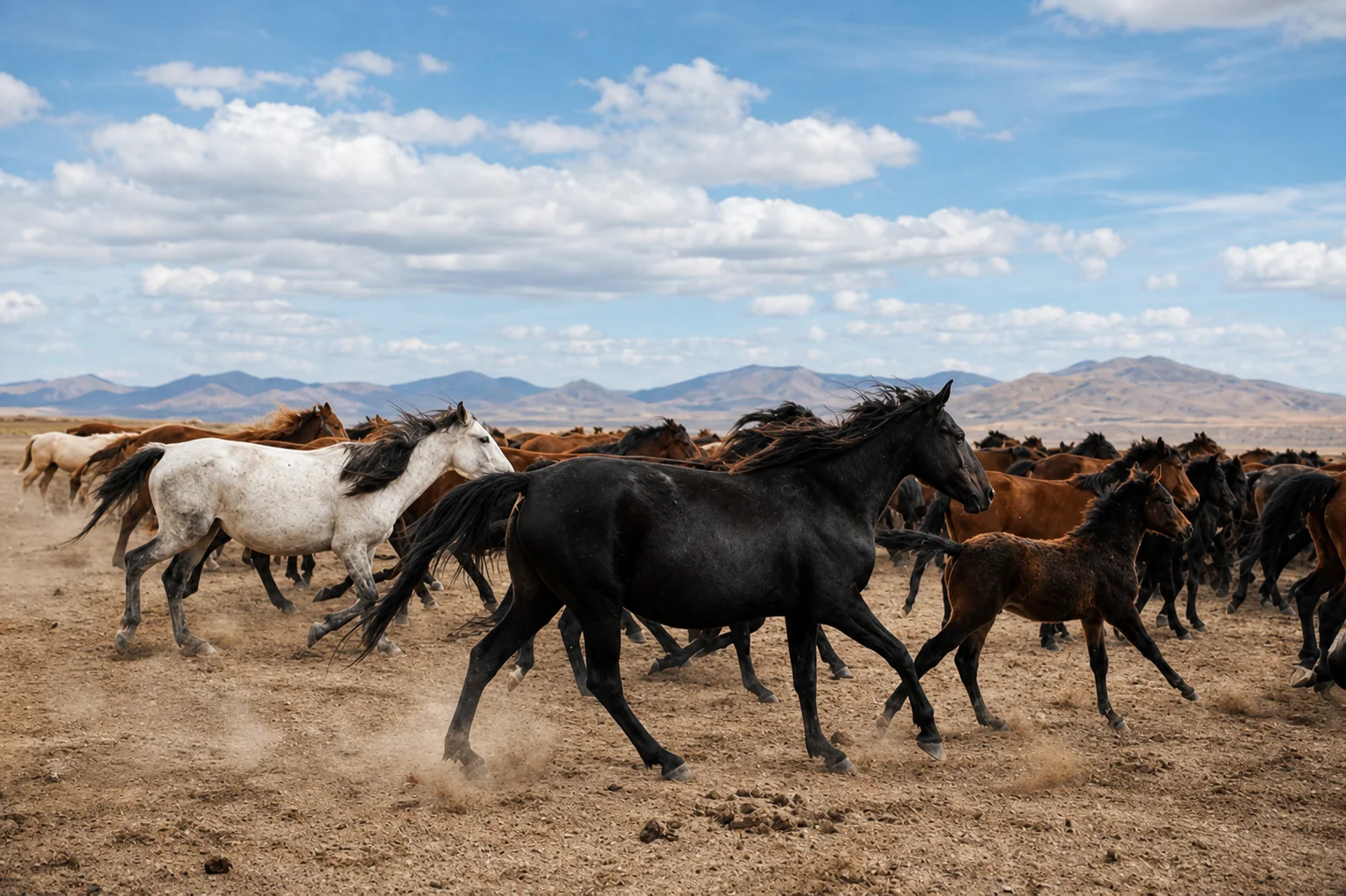

An AI Photo Denoiser That Keeps Texture
Ordinary noise reduction smears everything, so skin turns to plastic and grass turns to paint. The ai photo denoiser in this ai photo app separates sensor noise from genuine texture, removes the first and protects the second.
Eyelashes, fabric and foliage survive the clean-up intact.
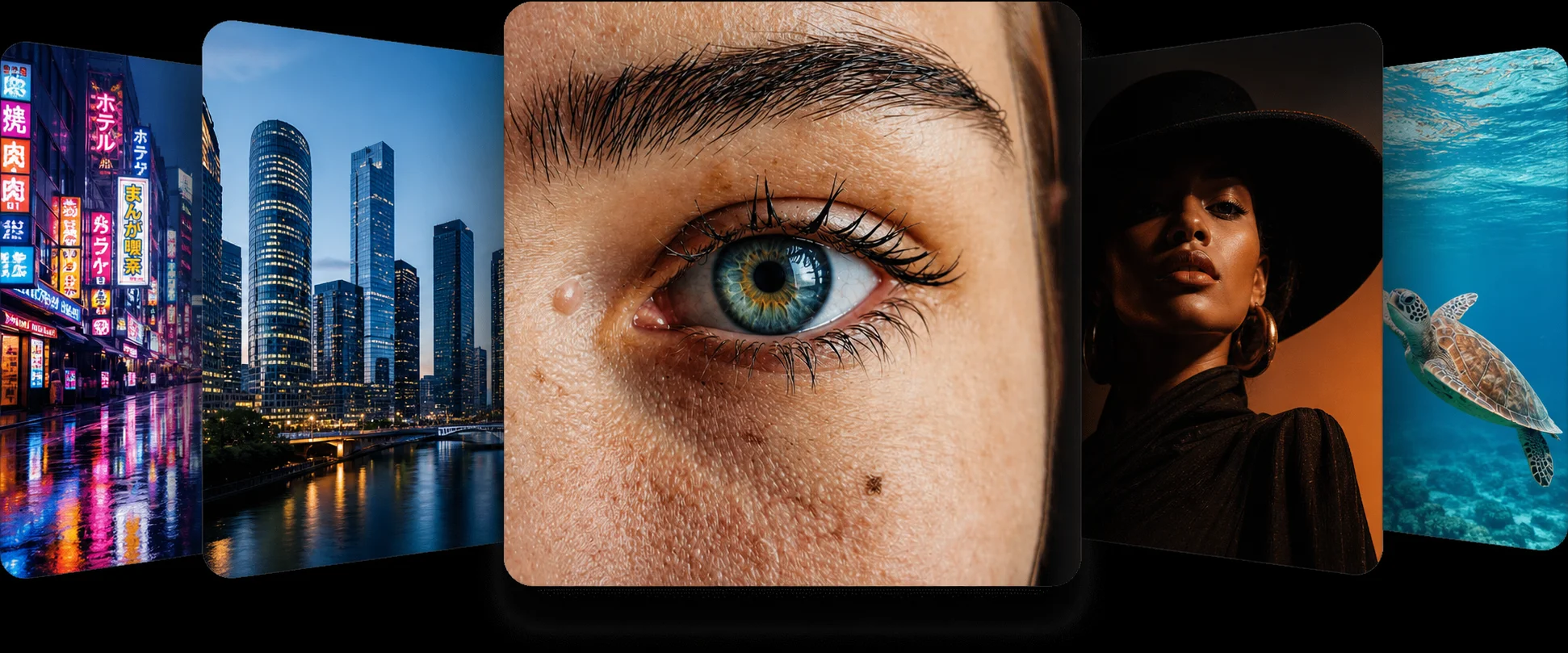
Remove Noise from Photo Files Shot in the Dark
Concerts, restaurants, night streets and indoor parties all push a phone camera to a high ISO, and the price is coloured speckle in every shadow. Remove noise from photo files like these and the picture you thought you had lost becomes usable again.
The enhance photo ai pass also rebalances the shadows so the frame does not go flat.
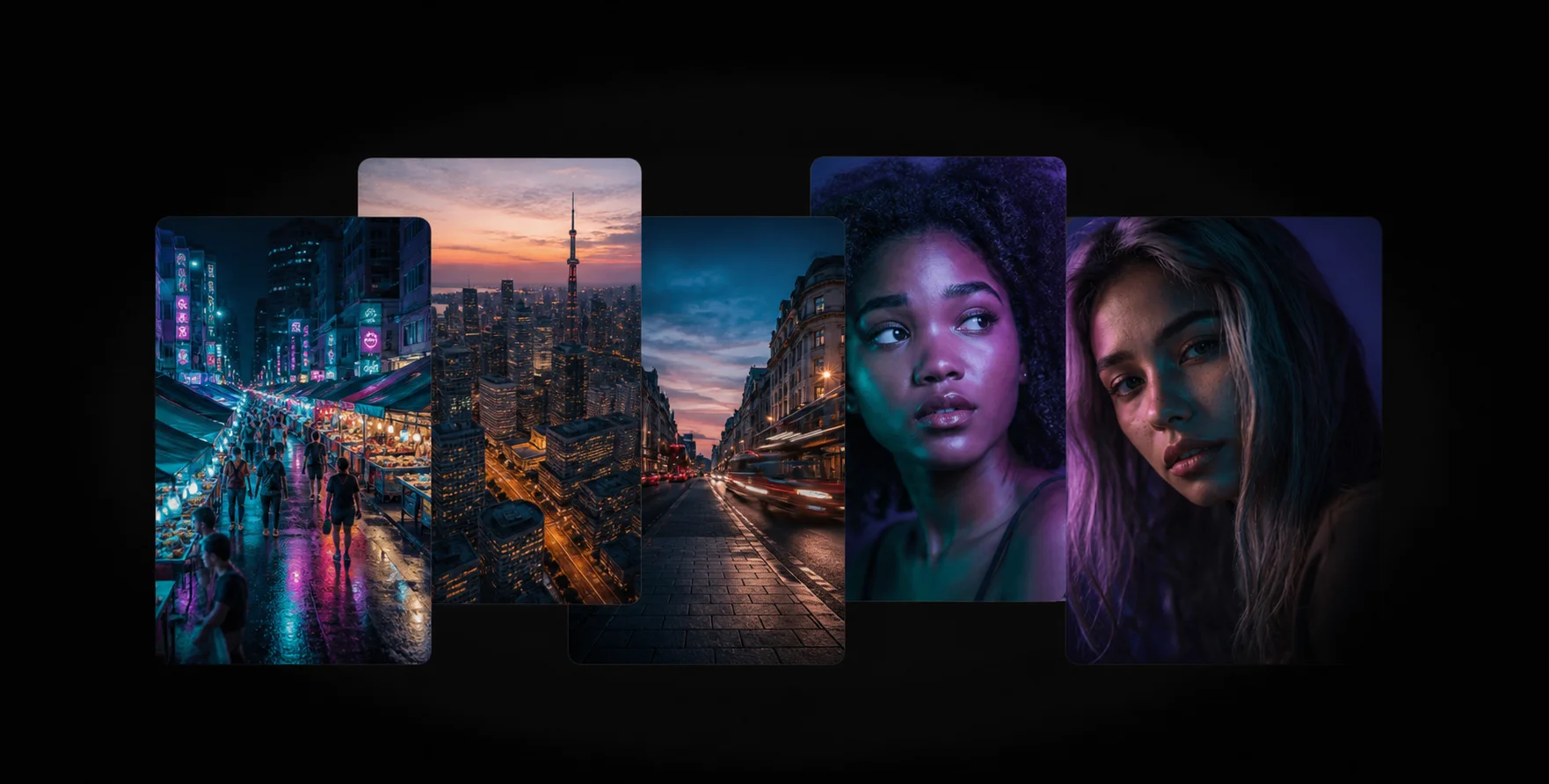
Denoise Image Online, Free and Instant
There is nothing to install: you denoise image online in the browser, on any device, and the ai photo enhancer returns the cleaned file in about fifteen seconds.
Follow up with the face enhancer if the portrait detail still looks soft.
How the Denoiser Works
1
Upload the Noisy Shot
Drop your grainy picture into the ai photo denoiser at the top of the page.
2
AI Noise Removal
The ai photo app tells noise from texture and removes only the noise, in seconds.
3
Download the Clean File
Compare with the slider and download the denoised photo free, at full resolution.
Frequently Asked Questions
It has learned what clean versions of millions of scenes look like, so it recognises random sensor speckle and leaves real texture such as hair, fabric and foliage untouched.
Yes. Even heavily degraded night shots clean up well, although extremely dark frames may keep a little softness in the deepest shadows.
Completely. This ai photo app has no account and no watermark.
No. The model protects texture on purpose, which is exactly what a slider-based noise filter cannot do.
Use the old photo restorer for scans — it handles print grain, dust and fading together.
Related AI Photo Tools
The Denoiser is one of eight free ai photo tools in the app — these three work well alongside it.
Unblur & Sharpen
Unblur photo ai technology brings soft, shaky, and out-of-focus photos back to life instantly.
Low Quality Enhancer
Turn compressed, pixelated downloads and screenshots into crisp HD photos instantly.
Image Enlarger
Upscale images up to 4x without losing quality. The AI rebuilds lost details cleanly.
Browse every tool in the AI Photo AppSee more before and after resultsEnhance any photo on the AI Photo App home page

Loved by Photo Fixers Everywhere
People all over the world use the app for their visual content. Why? It's quick, it's free, and it consistently produces an enhanced, "wow, that's incredible" result every time.
Try the AI Photo App
People across the planet use the app to enhance their visual content. It's fast, it's free, and it delivers an enhanced, "wow, that's amazing" result with every single upload — no download, no account, no credits.
Try FreeAI Photo App is an independent, free browser tool for enhancing your own photos. It is not affiliated with any app store, camera maker or photo editing suite.