Image Enlarger
Enlarge Images Without Losing Quality
The free ai image enlarger upscales any picture up to 4x and rebuilds real detail instead of stretching pixels. Enlarge images in this ai photo app with no sign-up.
Try FreeNo sign-up · No credits · Your photo is enhanced and discarded
Sample Photos

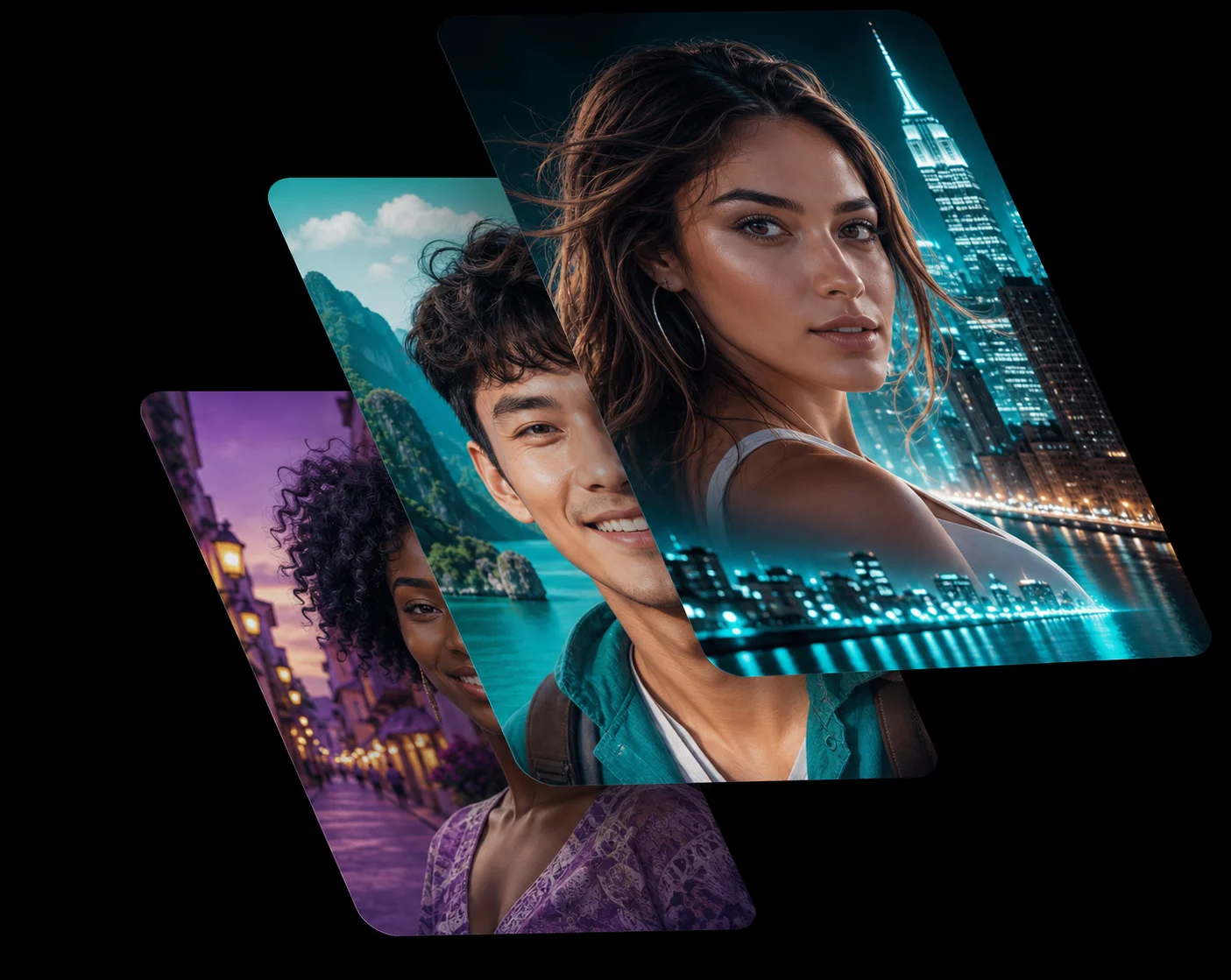
An AI Image Enlarger That Adds Detail
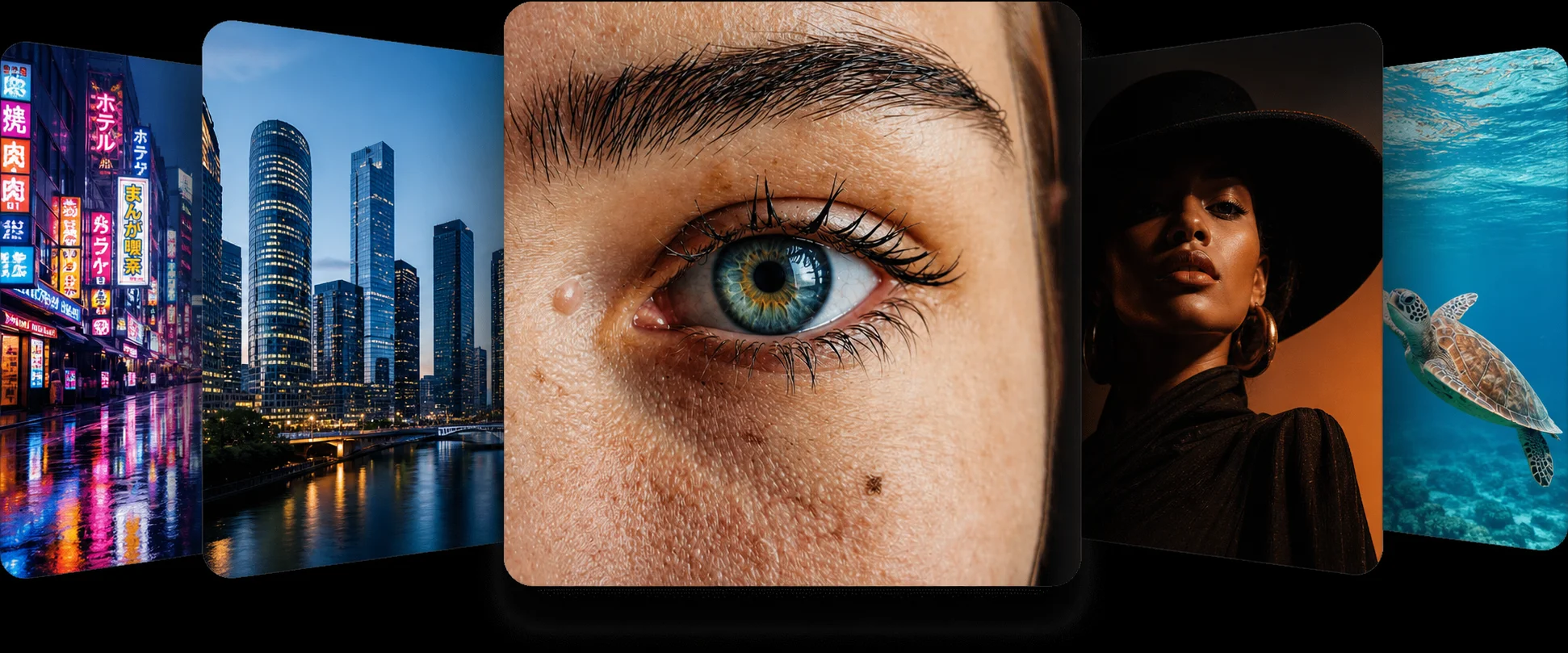
Dragging a corner in a normal editor just spreads the same pixels over a bigger area, which is why enlarged photos look soft. The ai image enlarger in this ai photo app predicts what the missing pixels should contain — hair strands, brick edges, fabric weave — and paints them in at the new size.
The result is a genuinely larger photo, not a blown-up blur.
Upscale Image Online Free, No Install
You can upscale image online free right here: no desktop photo upscaler to install, no plugin and no licence key. Drop a JPG, PNG or WebP into the tool above and the ai photo app returns a high-resolution file in seconds.
It works the same on a phone as it does in a desktop browser.
A Photo Upscaler for Print and Product Shots
Large-format prints, poster crops and marketplace listings all fail the same way — the source file is too small. Use the photo upscaler before you export and the ai photo enhancer gives you the pixels the printer actually needs.
For heavily compressed sources, run the low quality enhancer first, then enlarge.
How the Image Enlarger Works
1
Upload a Small Image
Drop the low-resolution file into the ai image enlarger at the top of this page.
2
AI Upscaling
The ai photo app enlarges the picture up to 4x and rebuilds detail that was never in the original.
3
Download at Full Size
Check the slider, then download the enlarged photo free and at full resolution.
Frequently Asked Questions
Up to about 4x the original width and height. Beyond that the ai photo app is inventing more than it is recovering, so 4x is where results still look photographic.
Yes. You can upscale image online free here with no account and no watermark on the download.
No. A standard photo upscaler interpolates and softens; this one reconstructs edges and texture, so enlarged photos stay crisp.
JPG, PNG and WebP files up to 10 MB. The enlarged result downloads in the same familiar formats.
Yes. Restore it with the old photo restorer first, then enlarge the clean version for the sharpest possible result.
Related AI Photo Tools
The Image Enlarger is one of eight free ai photo tools in the app — these three work well alongside it.
Low Quality Enhancer
Turn compressed, pixelated downloads and screenshots into crisp HD photos instantly.
Unblur & Sharpen
Unblur photo ai technology brings soft, shaky, and out-of-focus photos back to life instantly.
Denoiser
Remove grain and noise from low-light photos while keeping the edges sharp and natural.
Browse every tool in the AI Photo AppSee more before and after resultsEnhance any photo on the AI Photo App home page
Loved by Photo Fixers Everywhere
People all over the world use the app for their visual content. Why? It's quick, it's free, and it consistently produces an enhanced, "wow, that's incredible" result every time.
Try the AI Photo App
People across the planet use the app to enhance their visual content. It's fast, it's free, and it delivers an enhanced, "wow, that's amazing" result with every single upload — no download, no account, no credits.
Try FreeAI Photo App is an independent, free browser tool for enhancing your own photos. It is not affiliated with any app store, camera maker or photo editing suite.