Old Photo Restorer
Restore Old Photos with AI, Free
Restore old photos ai models repair scratches, fading and blur in scanned prints. The free ai photo app brings family pictures back to life in your browser.
Try FreeNo sign-up · No credits · Your photo is enhanced and discarded
Sample Photos
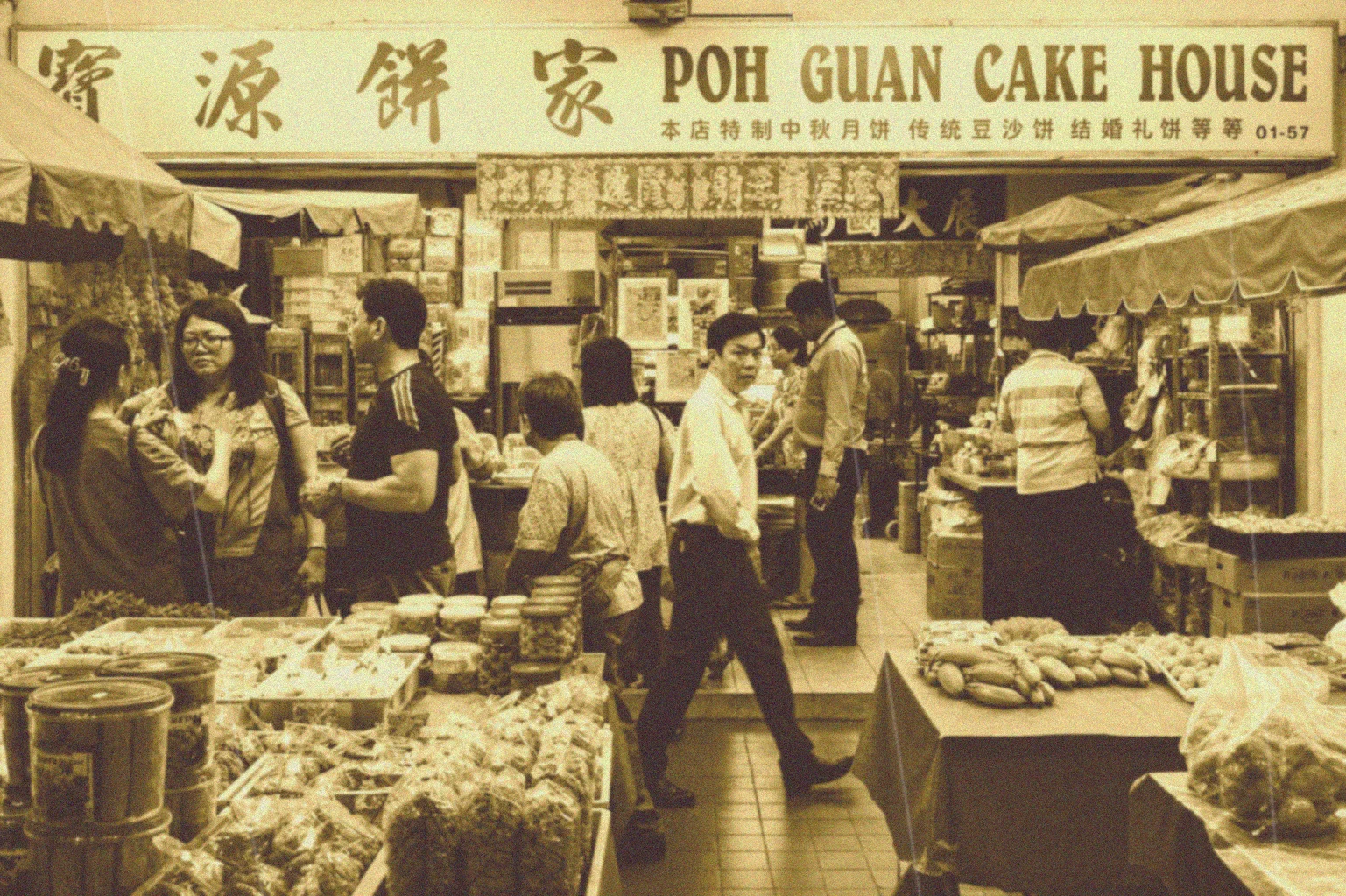

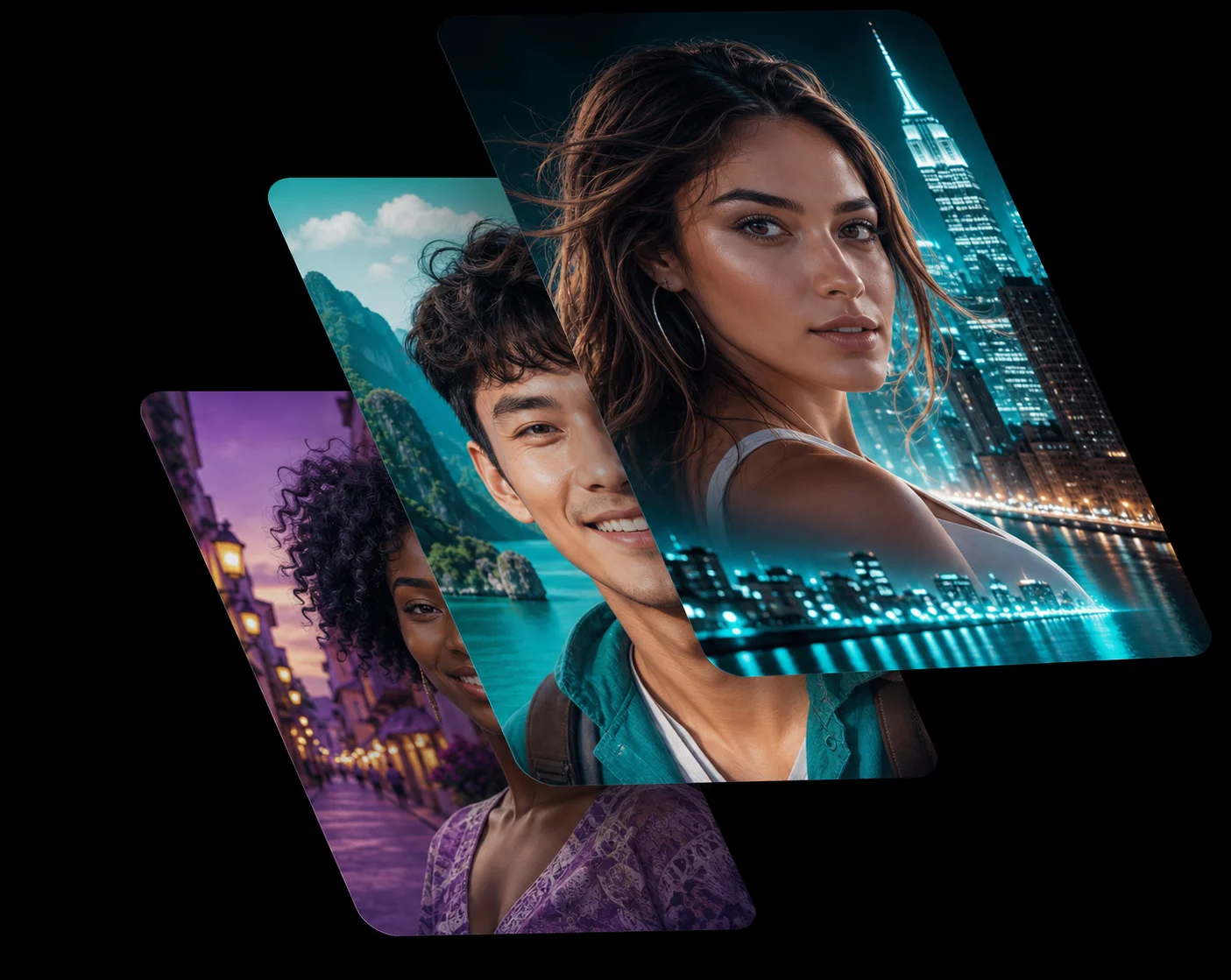
Restore Old Photos AI Can Actually Read
Scanned prints carry decades of damage: creases, dust, stains, torn corners and colour that has drifted to yellow. The restore old photos ai model in this ai photo app looks at the whole frame, works out which marks are damage and which are real detail, then rebuilds only what was lost.
Faces, clothing and background stay exactly as they were photographed — the AI photo app repairs the print, not the person.
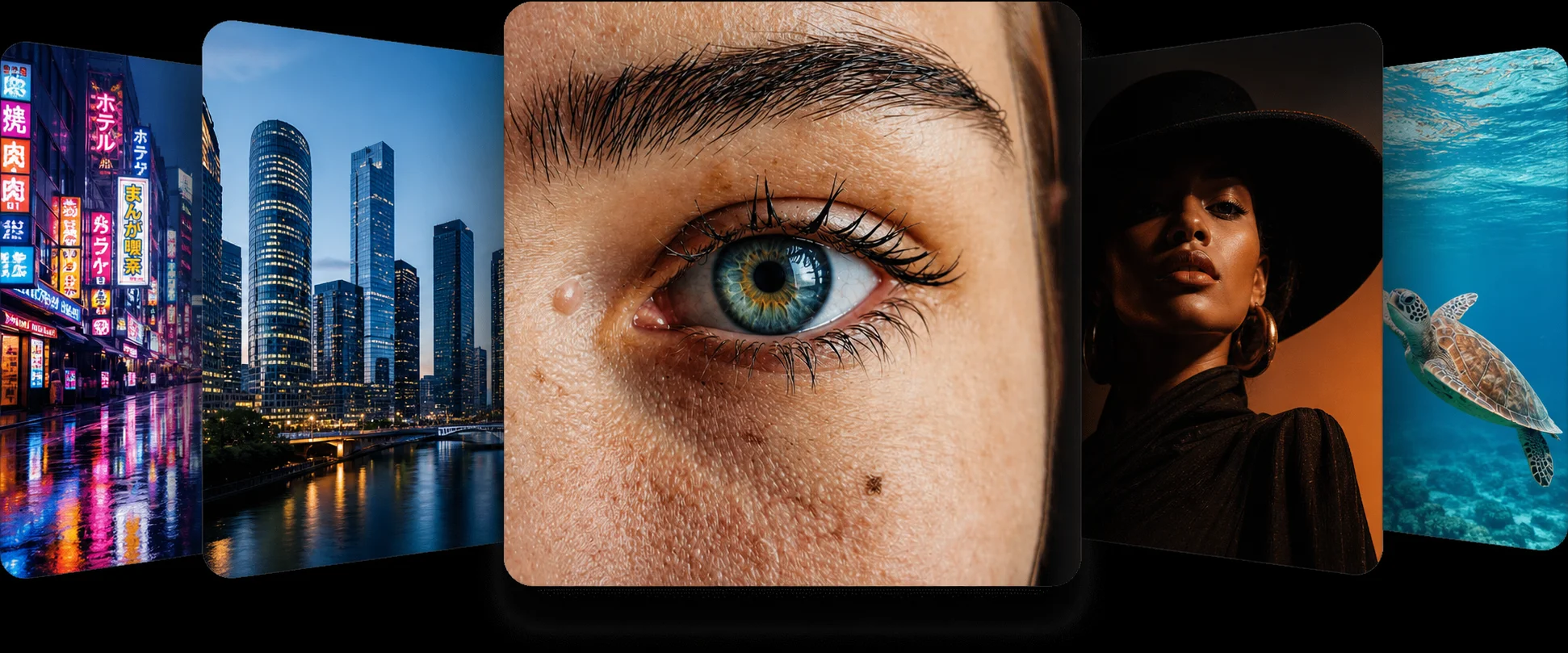
Old Photo Restoration Free, No Scanner Software
You do not need a desktop suite or a paid plan to get old photo restoration free. Photograph the print with your phone, drop the file into the ai photo app above, and the ai photo enhancer removes the scratches and rebuilds the fading in a single pass.
Every restored photo downloads at full resolution, with no watermark and no account.
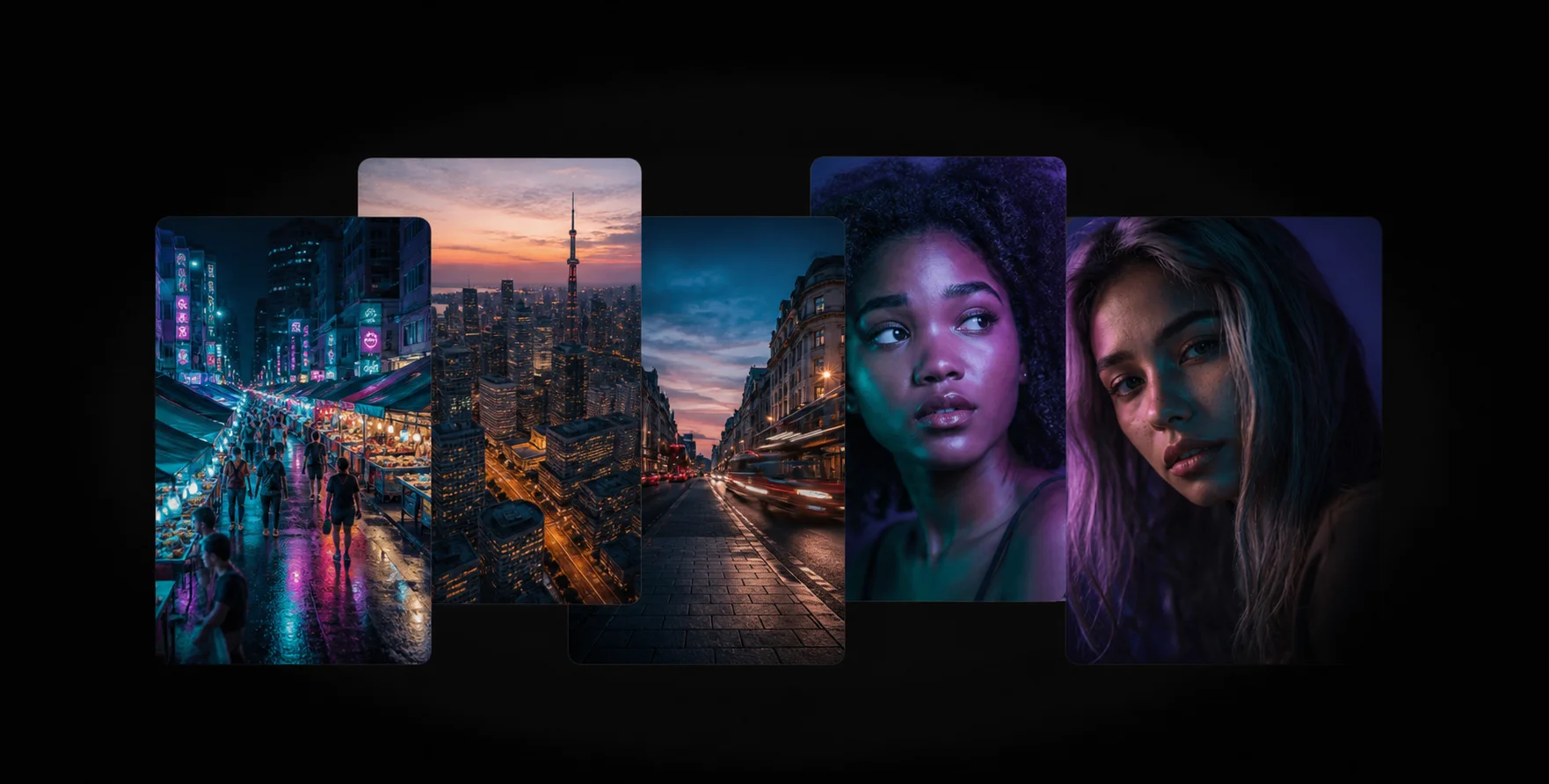
Fix Damaged Photo Detail, Not Just Colour
Most filters only shift the colour curve. This ai photo enhancer rebuilds texture too, so when you fix damaged photo files the weave of a jacket, the grain of a wooden door and the edge of a hairline all come back.
Pair it with the face enhancer when the people in an old photo matter more than the background.
How the Old Photo Restorer Works
1
Upload the Scan
Drop your scanned print or phone photo into the restore old photos ai tool at the top of the page.
2
AI Restoration
The ai photo app removes scratches, dust and fading, then rebuilds the detail underneath in seconds.
3
Download the Result
Compare the restored photo with the slider and download the free, full-resolution file.
Frequently Asked Questions
It compares your damaged scan against the millions of undamaged photographs it has learned from, then reconstructs the missing detail. Scratches, creases and faded areas are rebuilt rather than blurred over.
Yes. Old photo restoration free of charge is the whole point of this ai photo app: no account, no watermark and no expiring trial.
It can. When you fix damaged photo files with tears or missing corners, the AI photo app fills the gap using the surrounding texture so the repair blends in naturally.
No. The model keeps identity, age and expression untouched. It restores the print, it does not redraw the people.
A clear phone photo is enough. If your scan is small, run the image enlarger afterwards to enlarge the restored photo without losing quality.
Related AI Photo Tools
The Old Photo Restorer is one of eight free ai photo tools in the app — these three work well alongside it.
Face Enhancer
Recover natural skin and eye detail in portraits without the plastic, over-smoothed look.
Color Fixer
Rebalance tones and restore natural, vivid color to faded or yellowed pictures.
Low Quality Enhancer
Turn compressed, pixelated downloads and screenshots into crisp HD photos instantly.
Browse every tool in the AI Photo AppSee more before and after resultsEnhance any photo on the AI Photo App home page
Loved by Photo Fixers Everywhere
People all over the world use the app for their visual content. Why? It's quick, it's free, and it consistently produces an enhanced, "wow, that's incredible" result every time.
Try the AI Photo App
People across the planet use the app to enhance their visual content. It's fast, it's free, and it delivers an enhanced, "wow, that's amazing" result with every single upload — no download, no account, no credits.
Try FreeAI Photo App is an independent, free browser tool for enhancing your own photos. It is not affiliated with any app store, camera maker or photo editing suite.