Unblur & Sharpen
Unblur and Sharpen Any Photo in One Tap
Unblur photo ai technology brings blurry photos back to life instantly. This free ai photo app restores crisp edges and sharpens your picture directly in the browser.
Try FreeNo sign-up · No credits · Your photo is enhanced and discarded
Sample Photos
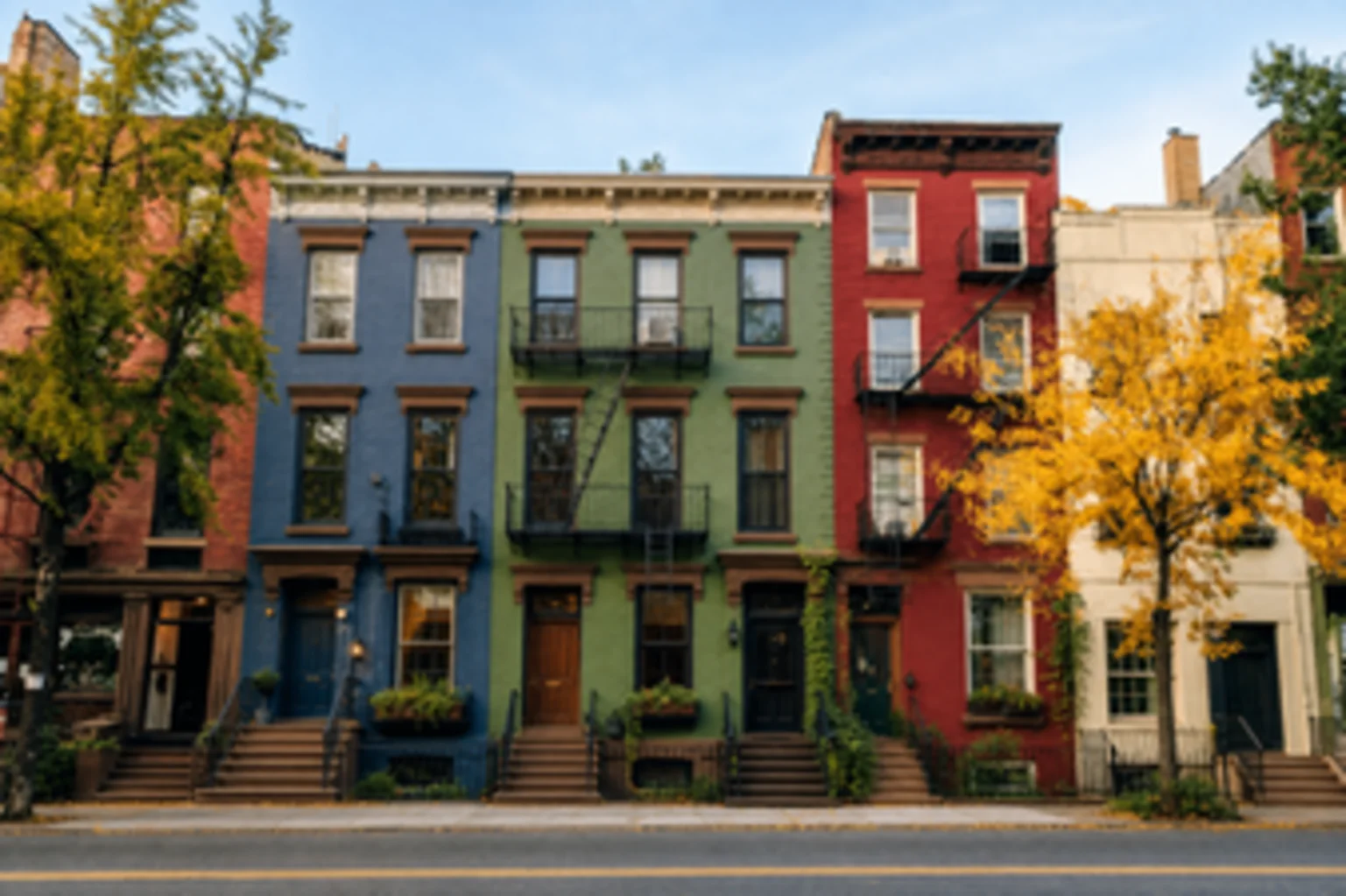
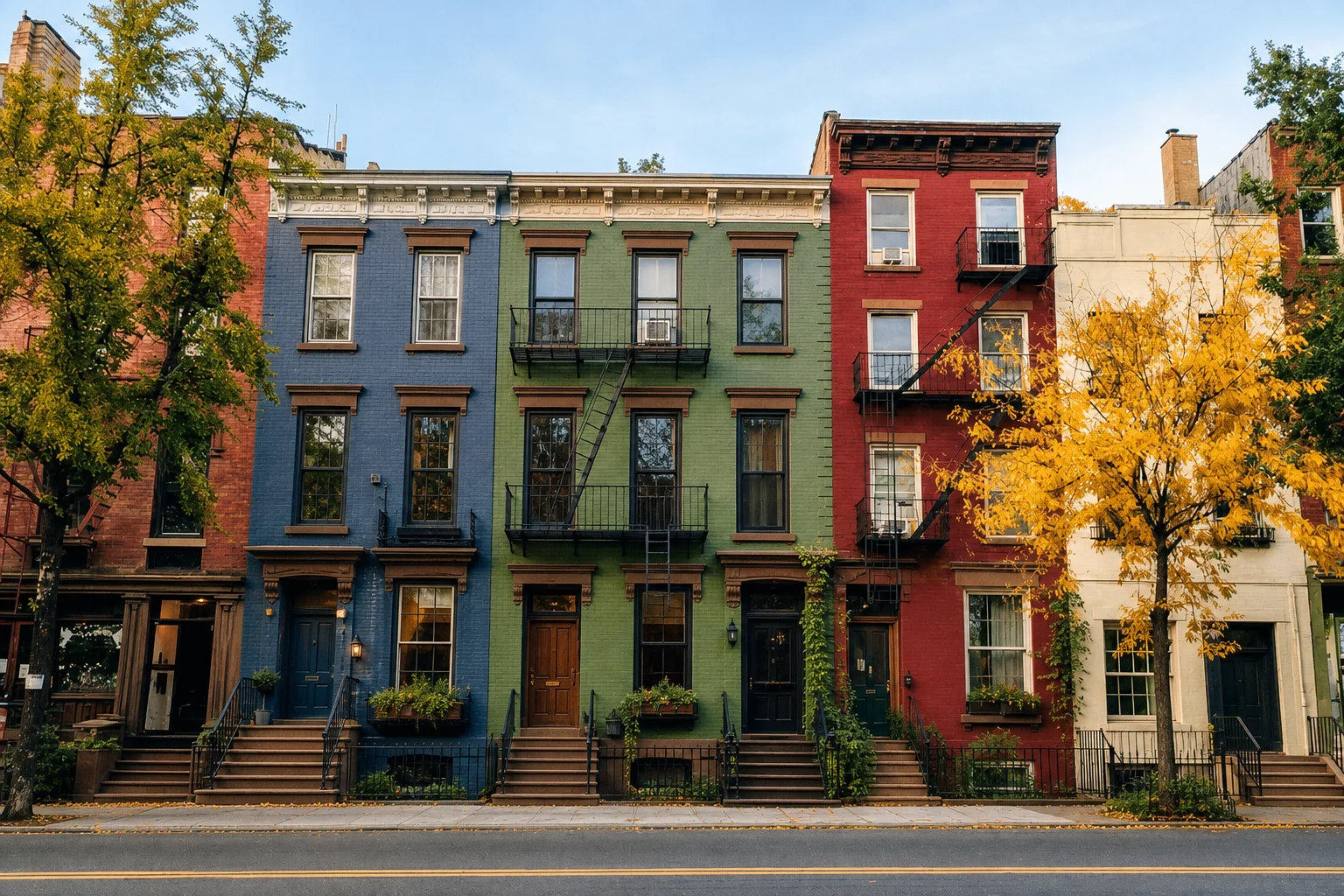
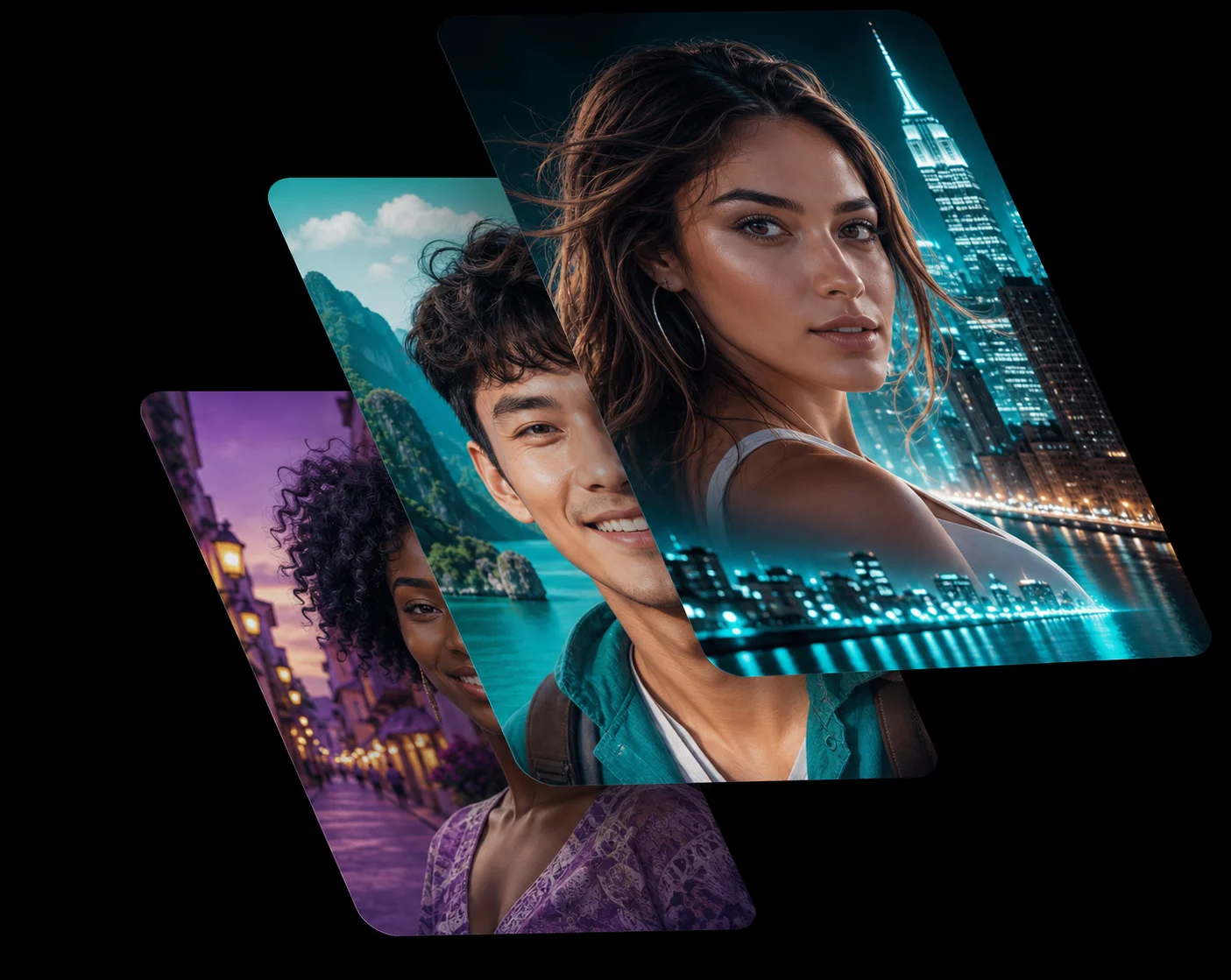
Instantly Unblur Photo AI Precision
When you take a great photo but miss the focus, the unblur photo ai tool recovers the exact detail you intended to capture. The AI photo app analyses the blur pattern and mathematically reconstructs the edges, giving you a sharp, professional image without complex editing software.
Whether it is a slightly soft portrait or a motion-blurred action shot, the ai photo enhancer delivers clarity that looks completely natural.
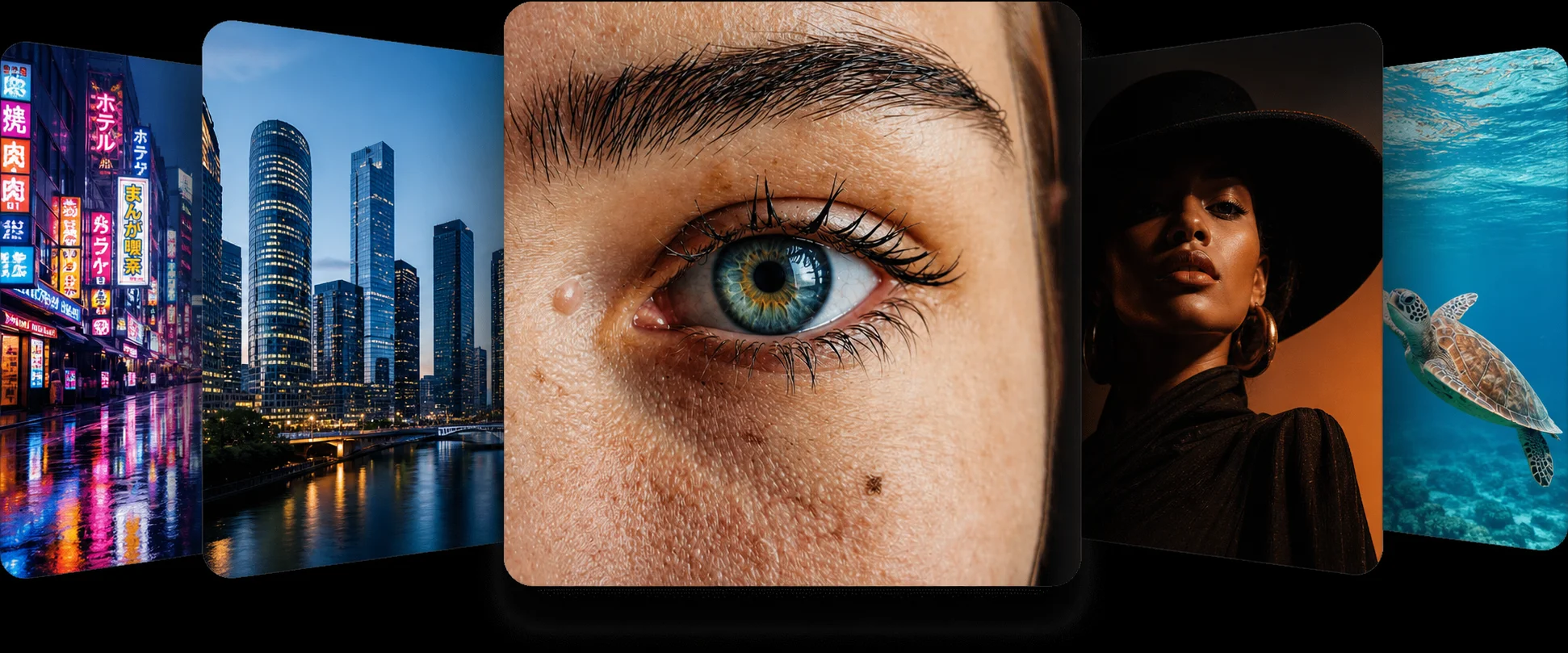
Sharpen Photo Online for Free
You do not need to download heavy desktop apps to fix a blurry picture. You can sharpen photo online files right here in your browser. This free ai photo app runs securely and quickly on any device, so your photos look their best before you post or print them.
Just upload, enhance, and download your high-resolution result — no account and no watermark.
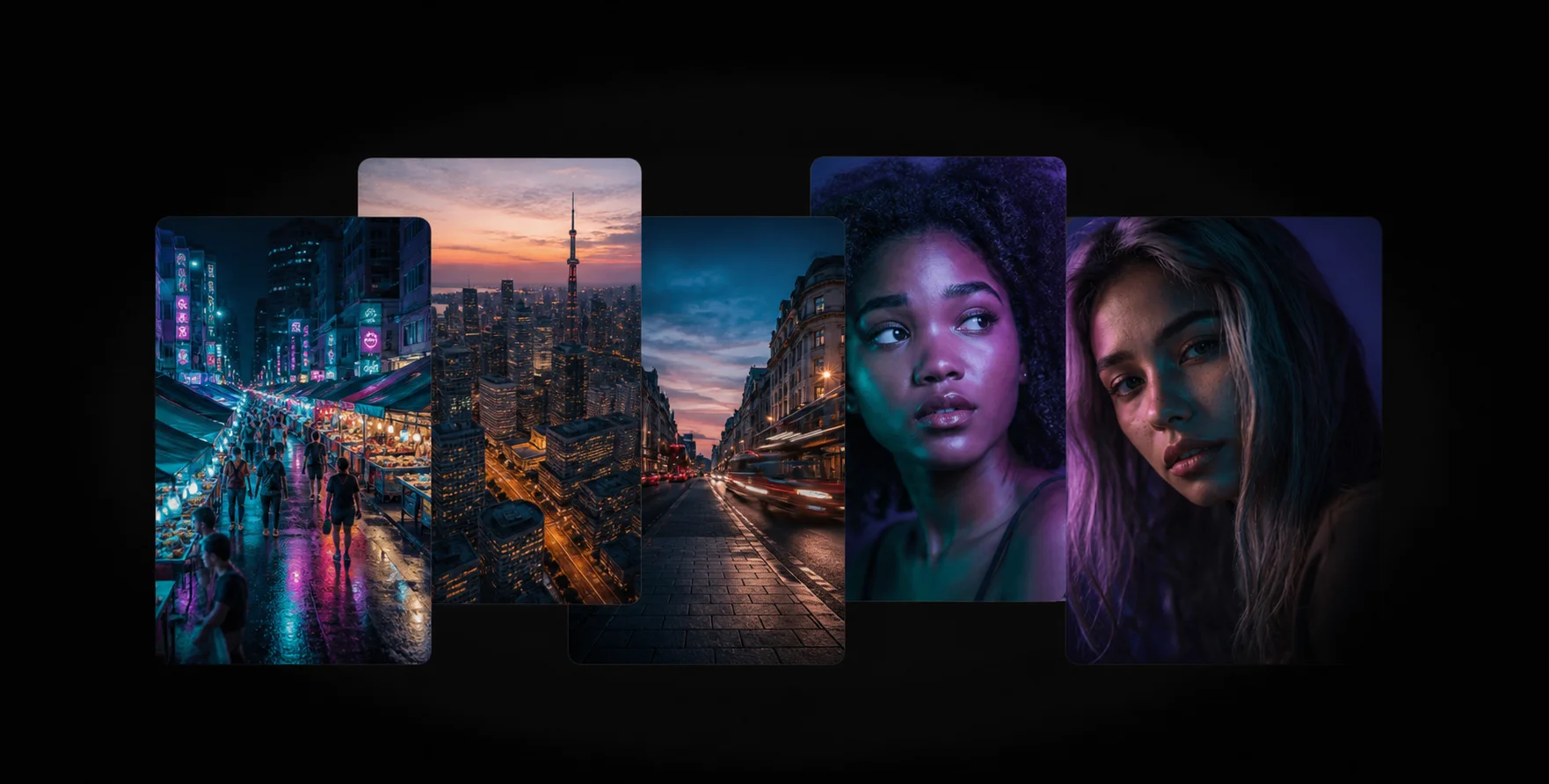
A Powerful AI Photo Enhancer
Unlike traditional sharpening filters that only add noise and harsh halos, this ai photo enhancer understands the context of the image. It rebuilds fine detail such as hair, texture and text while keeping flat surfaces smooth.
Experience the enhance photo ai quality that rescues pictures you thought were ruined.
How the Unblur & Sharpen Works
1
Upload Your Photo
Drag and drop your blurry image into the unblur photo ai tool at the top of the page.
2
AI Enhancement
The secure AI photo app automatically sharpens edges and removes motion blur in seconds.
3
Download Result
Compare the sharp photo online using the slider, then download your crisp, restored file for free.
Frequently Asked Questions
The unblur photo ai uses trained image models to analyse soft edges and out-of-focus areas in your photo. It then reconstructs the missing detail to sharpen the photo online instantly.
Yes, this ai photo app is completely free. You can unblur photos without signing up, paying, or installing anything.
Absolutely. When you enhance photo ai files here, your upload is processed securely and discarded immediately. No photos are stored on our servers.
You can fix blurry picture issues ranging from motion blur and out-of-focus shots to low-light softness and old camera lens blur.
No, this ai photo enhancer runs entirely in your browser. There is no software to download.
Related AI Photo Tools
The Unblur & Sharpen is one of eight free ai photo tools in the app — these three work well alongside it.
Restore Old Photos
Repair scratches, fading, and blur in scanned vintage prints to preserve your memories.
Image Enlarger
Upscale images up to 4x without losing quality. The AI rebuilds lost details cleanly.
Low Quality Enhancer
Turn compressed, pixelated downloads and screenshots into crisp HD photos instantly.
Browse every tool in the AI Photo AppSee more before and after resultsEnhance any photo on the AI Photo App home page
Loved by Photo Fixers Everywhere
People all over the world use the app for their visual content. Why? It's quick, it's free, and it consistently produces an enhanced, "wow, that's incredible" result every time.
Try the AI Photo App
People across the planet use the app to enhance their visual content. It's fast, it's free, and it delivers an enhanced, "wow, that's amazing" result with every single upload — no download, no account, no credits.
Try FreeAI Photo App is an independent, free browser tool for enhancing your own photos. It is not affiliated with any app store, camera maker or photo editing suite.