Background Enhancer
Make Every Background Crisp and Clean
The ai background enhancer sharpens soft, noisy backgrounds so detail returns to every corner of the frame. Fix a blurry background photo free in this ai photo app.
Try FreeNo sign-up · No credits · Your photo is enhanced and discarded
Sample Photos



An AI Background Enhancer for the Whole Frame
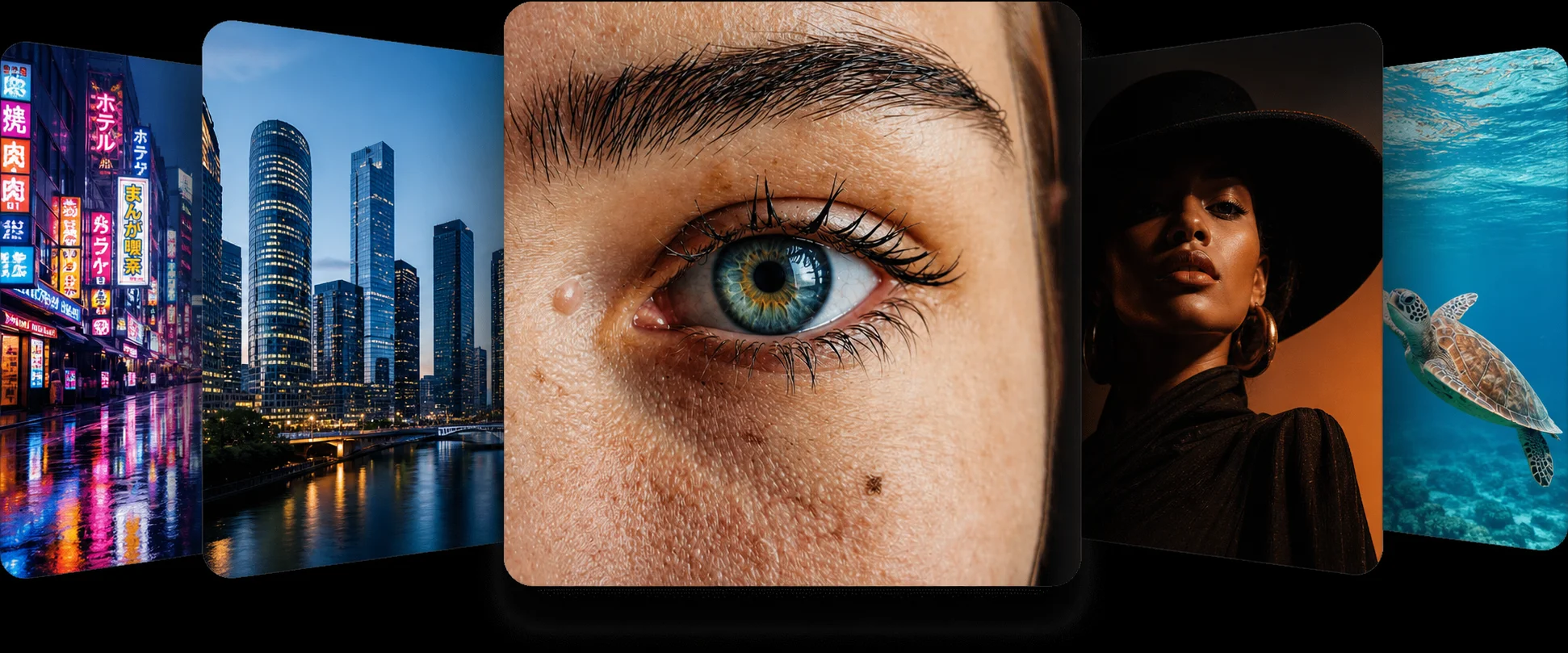
Phone cameras spend their processing budget on the subject, so buildings, trees and signage behind it come out mushy. The ai background enhancer in this ai photo app treats the background as seriously as the face and rebuilds edges, lettering and texture across the entire picture.
The subject is not re-cut, re-lit or replaced — the frame simply becomes consistent.
Fix Blurry Background Photo Files in Seconds
Travel shots, property photos and product listings all live or die on the background. Fix blurry background photo files here and the ai photo enhancer brings back the architecture, the horizon line and the small print you thought was gone.
Everything runs in the browser, free, with no sign-up.
Sharp Corners, Natural Depth
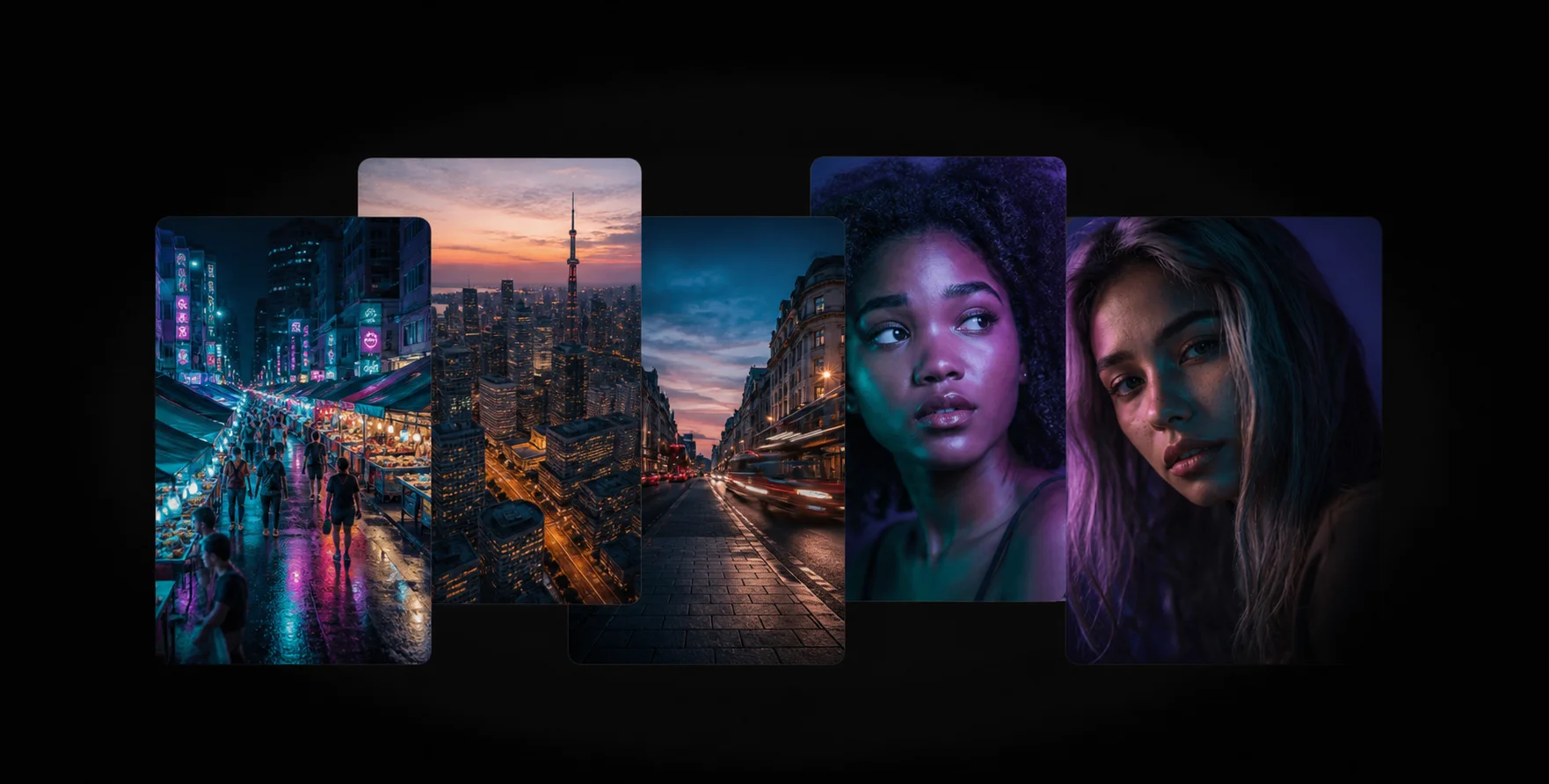
Sharpening a background with a filter usually flattens the depth of field and adds halos. This enhance photo ai model keeps intentional bokeh where it belongs and only rebuilds detail that was lost to compression, motion or focus error.
For a matching subject pass, run the face enhancer on the same file.
How the Background Enhancer Works
1
Upload the Photo
Drop the picture with the soft background into the ai background enhancer above.
2
AI Background Enhancement
The ai photo app rebuilds edges and texture across the full frame, not just the subject.
3
Download the Result
Use the slider to compare, then download your free, full-resolution photo.
Frequently Asked Questions
It rebuilds detail in the parts of the frame behind your subject — architecture, foliage, signage and texture that came out soft or noisy.
Partly. Intentional lens blur is preserved, while softness caused by compression, motion or focus error is recovered.
Yes. Like every tool in this ai photo app it is free online, with no account and no watermark.
No. Faces, framing and composition are untouched; only lost detail is rebuilt.
Yes — the unblur and sharpen tool handles the subject, and the face enhancer handles portraits specifically.
Related AI Photo Tools
The Background Enhancer is one of eight free ai photo tools in the app — these three work well alongside it.
Face Enhancer
Recover natural skin and eye detail in portraits without the plastic, over-smoothed look.
Denoiser
Remove grain and noise from low-light photos while keeping the edges sharp and natural.
Image Enlarger
Upscale images up to 4x without losing quality. The AI rebuilds lost details cleanly.
Browse every tool in the AI Photo AppSee more before and after resultsEnhance any photo on the AI Photo App home page

Loved by Photo Fixers Everywhere
People all over the world use the app for their visual content. Why? It's quick, it's free, and it consistently produces an enhanced, "wow, that's incredible" result every time.

Try the AI Photo App
People across the planet use the app to enhance their visual content. It's fast, it's free, and it delivers an enhanced, "wow, that's amazing" result with every single upload — no download, no account, no credits.
Try FreeAI Photo App is an independent, free browser tool for enhancing your own photos. It is not affiliated with any app store, camera maker or photo editing suite.