Color Fixer
Fix Faded Colors with the AI Photo Editor
The ai photo color fixer rebalances faded, dull and colour-cast pictures in one click. Fix photo colors online free in this ai photo app — no editor skills needed.
Try FreeNo sign-up · No credits · Your photo is enhanced and discarded
Sample Photos
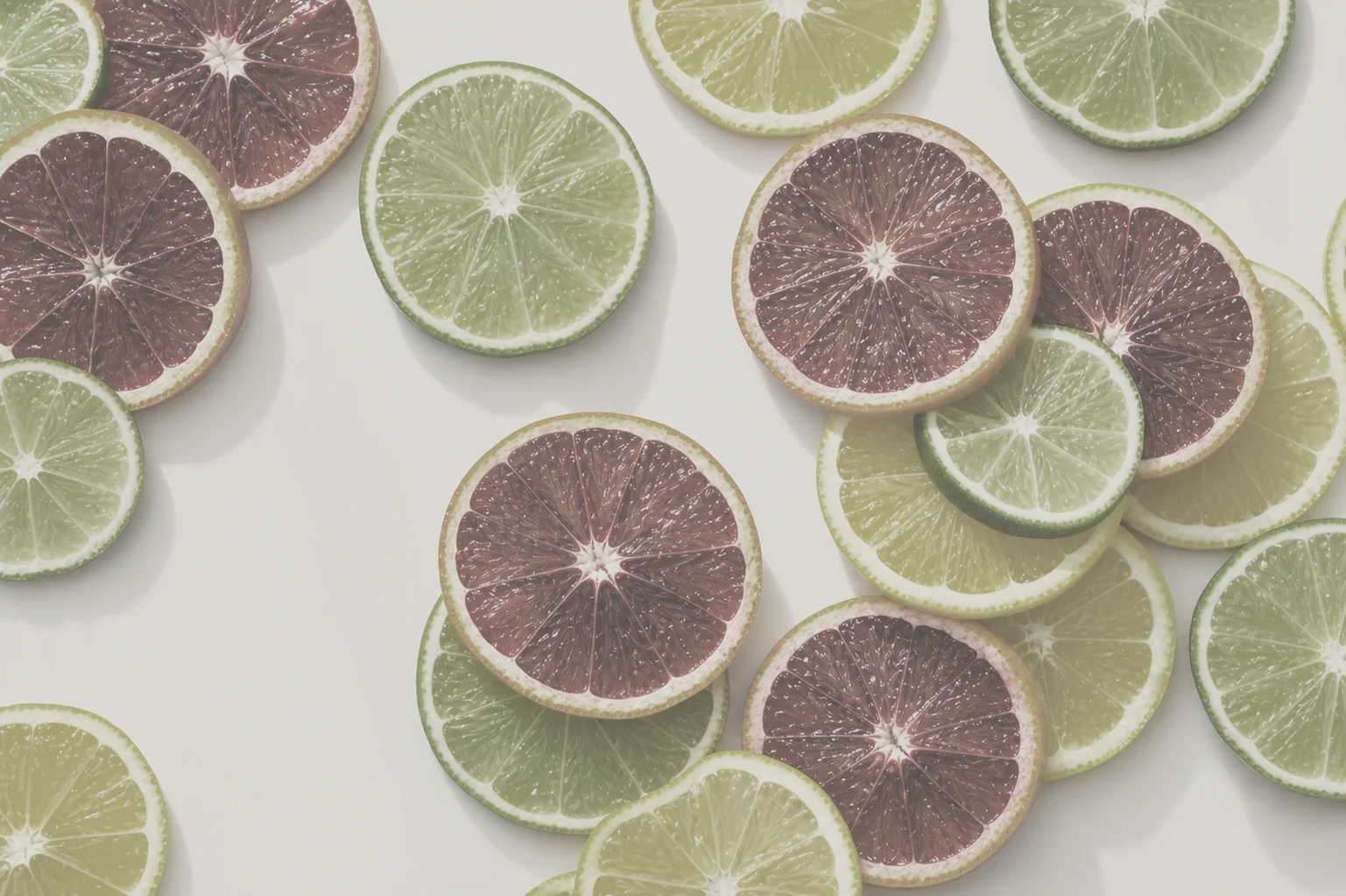
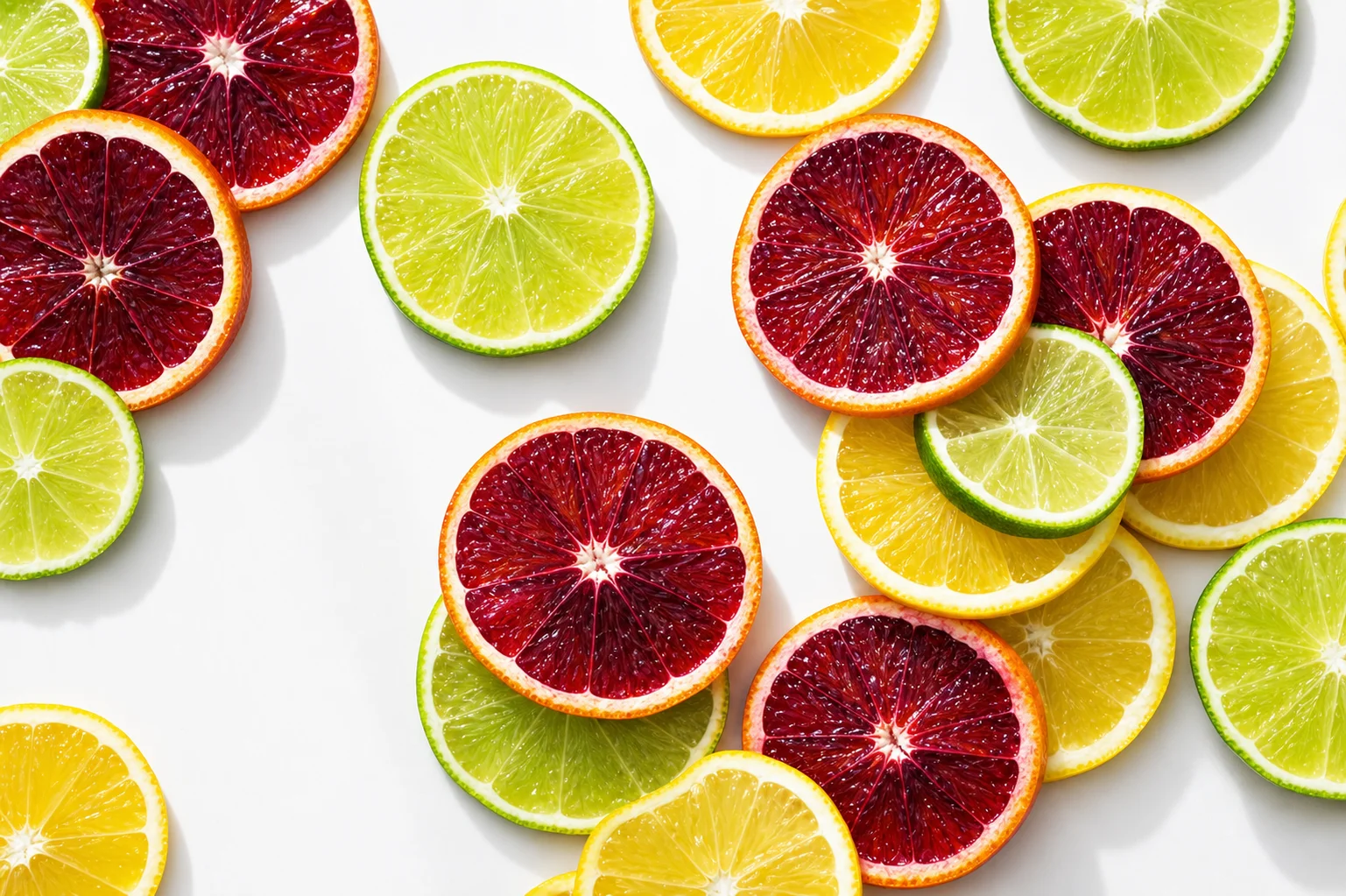
An AI Photo Color Fixer for Faded Pictures
Prints yellow, screenshots shift, and indoor shots pick up an orange cast from the lighting. The ai photo color fixer reads the whole frame, works out what neutral should look like, and pulls the picture back to natural colour without crushing the highlights.
Skin stays believable and skies stay blue rather than turning electric.
Fix Photo Colors Online in One Pass
A traditional ai photo editor hands you curves, white balance and saturation sliders and lets you fight with them. Here you fix photo colors online by uploading the file — the ai photo app applies the correction itself and shows you the before and after side by side.
If you disagree with the result, run it again with a different mode; nothing is ever overwritten.
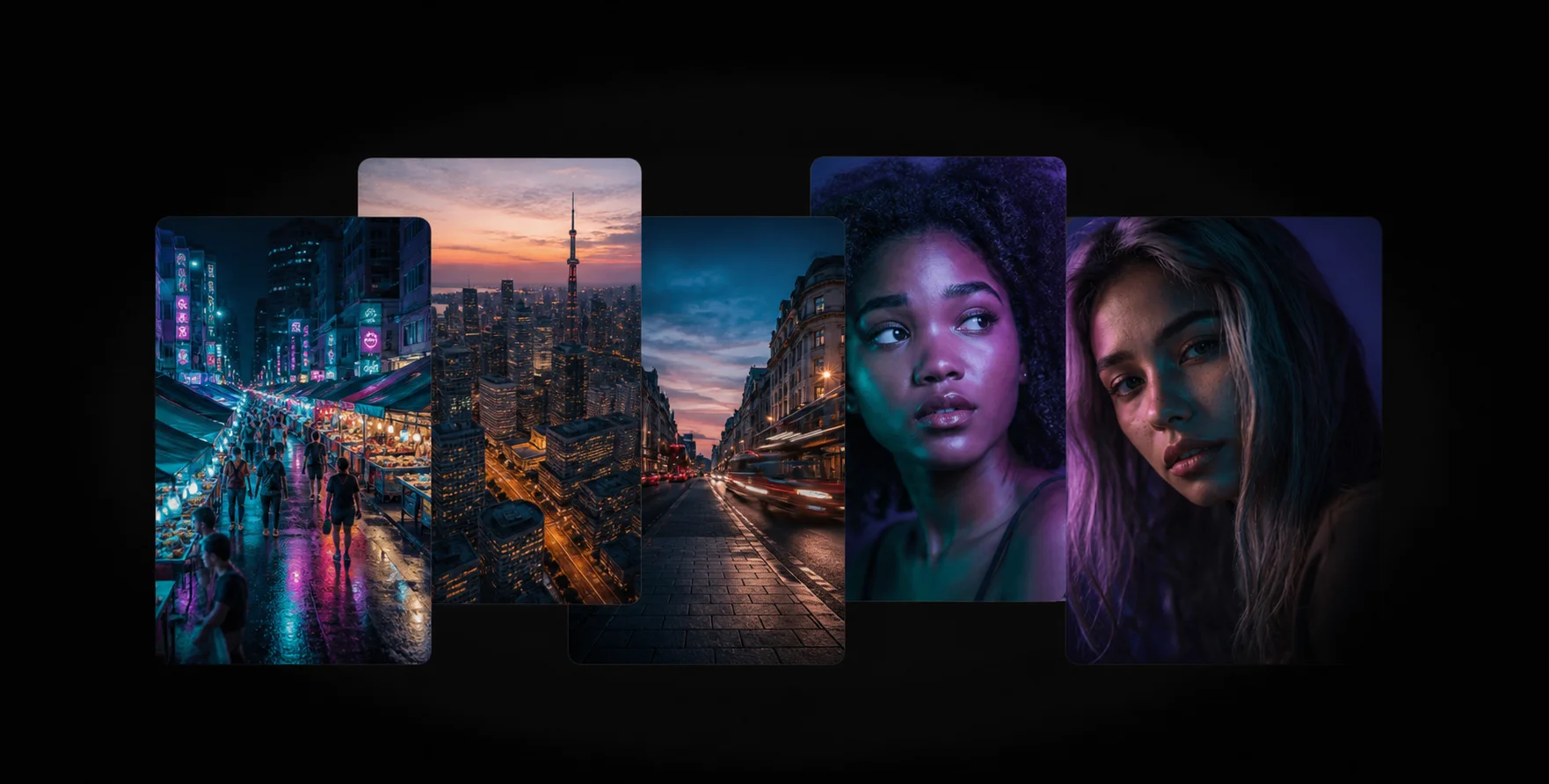
Color Correction AI That Respects the Original
Color correction ai is easy to overdo. This ai photo enhancer aims for the colour the scene actually had rather than a heavy preset, so photographs still look like photographs when you print or post them.
For black-and-white prints the model adds period-plausible colour instead of neon.
How the Color Fixer Works
1
Upload a Faded Photo
Drop the washed-out or yellowed picture into the ai photo color fixer above.
2
AI Color Correction
The ai photo app rebalances white balance, contrast and saturation across the whole frame.
3
Download the Fix
Slide to compare, then download the corrected photo free and without a watermark.
Frequently Asked Questions
White balance, contrast and per-channel saturation. It removes colour casts and restores the tonal range that fading took away.
Yes. Yellowed and faded prints are the most common use, and the old photo restorer handles the physical damage at the same time.
Yes. Every tool in this ai photo app is free online with no sign-up and no card.
No. The model is tuned for natural, believable colour rather than heavy filters.
It does. Pick the colorize mode in the tool above and the ai photo enhancer adds plausible, period-appropriate colour.
Related AI Photo Tools
The Color Fixer is one of eight free ai photo tools in the app — these three work well alongside it.
Restore Old Photos
Repair scratches, fading, and blur in scanned vintage prints to preserve your memories.
Face Enhancer
Recover natural skin and eye detail in portraits without the plastic, over-smoothed look.
Background Enhancer
Sharpen soft, noisy backgrounds and bring detail back to every corner of the frame.
Browse every tool in the AI Photo AppSee more before and after resultsEnhance any photo on the AI Photo App home page
Loved by Photo Fixers Everywhere
People all over the world use the app for their visual content. Why? It's quick, it's free, and it consistently produces an enhanced, "wow, that's incredible" result every time.
Try the AI Photo App
People across the planet use the app to enhance their visual content. It's fast, it's free, and it delivers an enhanced, "wow, that's amazing" result with every single upload — no download, no account, no credits.
Try FreeAI Photo App is an independent, free browser tool for enhancing your own photos. It is not affiliated with any app store, camera maker or photo editing suite.